System processes
A few fully customizable system processes are installed with TotalAgility on-premise to support features in the product.
To get the list of System processes, select , and on the Category list, select System Category.
On upgrading TotalAgility, you must manually import the SYSTEM maps.
System Benchmark Evaluation Response
Use this process to customize how the knowledge base response and references are evaluated and rated against the expected
response within a benchmark test.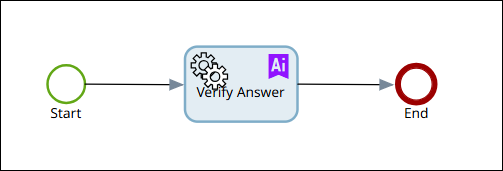
SYSTEM Active Directory Synchronization
Use this process to synchronize the Active Directory (AD) resources with TotalAgility. This process synchronizes organizational units and their associated groups and users within the Active Directory; it does not synchronize any containers, objects, or users outside of an organizational unit.
-
TotalAgility Active Directory synchronization is passive. It cannot add, update, or delete anything in Active Directory. As an added security measure, it obfuscates the Object ID from Active Directory to store it as a Resource ID in TotalAgility (HEX conversion). You cannot locate the same resource in Active Directory even from the Resource ID from TotalAgility.
-
Active Directory Synchronization is not supported for the Integration Server and Azure Cloud deployments.
SYSTEM Check for Completed Delegations
Use this process to remove redundant work delegation rules after their end date has passed.
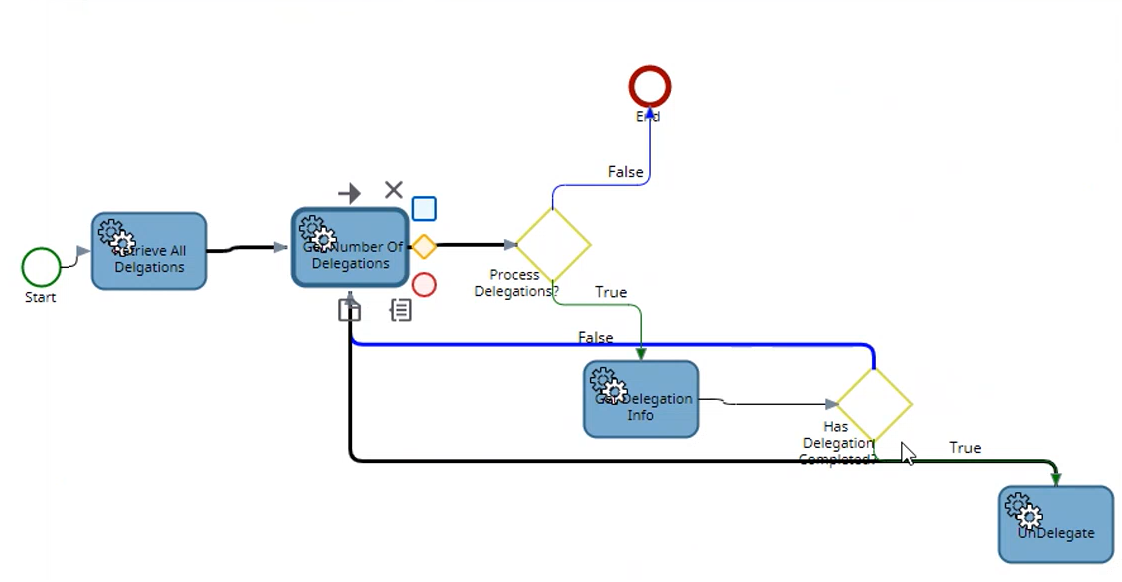
A scheduled job is run on this process each night at one minute past midnight to check for and delete redundant delegations.
System License Expiry Threshold
Use this process to manage licenses with thresholds, automation, and compliance, and to record key details (license type,
remaining count, threshold, license server, serial number) when usage exceeds limits.
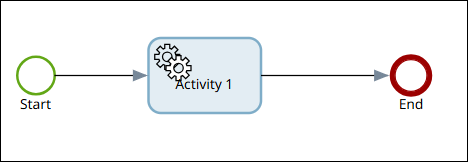
SYSTEM Passcode Notification
When multi-factor authentication is enabled use the SYSTEM Passcode Notification process to send a passcode to users for authentication when they login to TotalAgility for the first time

The email node within this process is configured to send an email with descriptive text and a randomly generated passcode to the user.
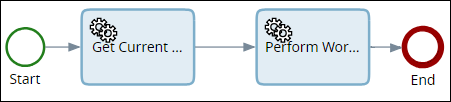
SYSTEM Perform Auto Work Allocation
Use this process to allocate the activities that are awaiting allocation for the current day to appropriate resources with AutoWorkAllocation debits.
System Process Email Activity
Use this process to process email notifications when activities are pending.
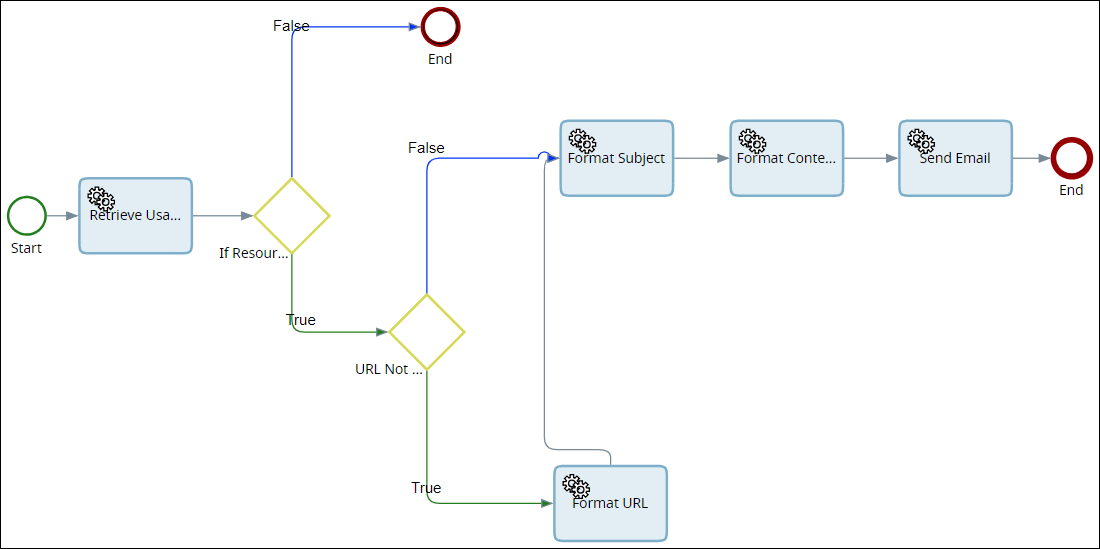
The server variable SYSTEM_EMAIL_FROM is imported into the system with this process. Update the default value with the email address of the user who sends the email notifications in your organization.
Use the email node to specify whether to send an email to all usable resources when an activity becomes pending. Define the structure of the email including the subject, content, and a URL for an ASP page that takes and completes the pending activity.
Ensure that you generate this ASP page and place it in the following folder C:\Inetpub\wwwroot.
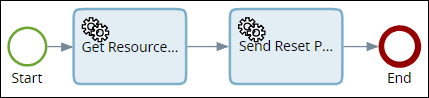
SYSTEM Reset Password
Use this process to send an email to the user email address to reset password.
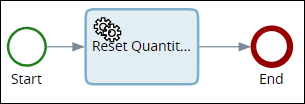
SYSTEM Reset Quantity Counts
Use this process to reset all checking and sampling counts to zero.