
Initializing of the list
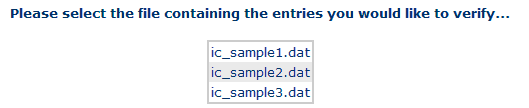
The first view after choosing Phys. Verification loads a list of files containing the reference data for the checks. The system administrator specifies from which data server.
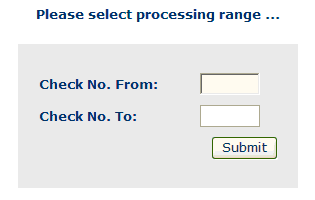
After choosing a file, a new view is loaded, where you must specify on which range of check numbers (from … to) is to be worked. If the "To"-number is smaller than the "From"-number, both will be permuted against each other. If only one number is filled in, only the check with this number is displayed.
If the selection is confirmed, the list is initialized and the corresponding account of the check with the lowest alphanumerical number of the chosen range is loaded immediately.
Navigation and processing is done using the Decision Button Cell. Above this cell, the current check reference number is shown.
If all checks of a list were processed, the Phys. Verification mode will
be terminated with the message "No more data left in the queue". Otherwise,
Phys. Verification remains active, even if you call other menu items, until you
click the
Cancel button
 .
.