
Stock Image List
The Stock Image list displays all check images stored for the current customer/account. The image information is displayed on the right side or beneath the image itself.
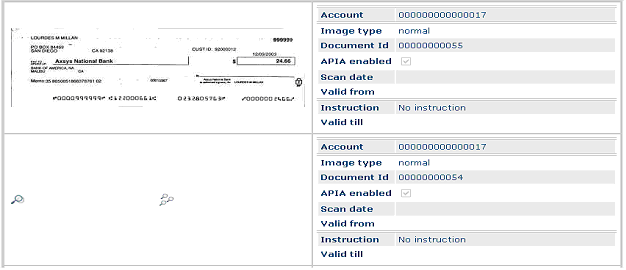
This icon
 is displayed if a
stock image is available but currently not loaded. By clicking on the icon, the
image will be displayed. By clicking the multiple magnifying glasses
is displayed if a
stock image is available but currently not loaded. By clicking on the icon, the
image will be displayed. By clicking the multiple magnifying glasses
 all stock images
available for the current account/customer will be loaded.
all stock images
available for the current account/customer will be loaded.
A click on the stock image loads the corresponding Detailed View. By hovering above the image this detailed view can be previewed.