
Verify signature (STV SignTellerVerification)
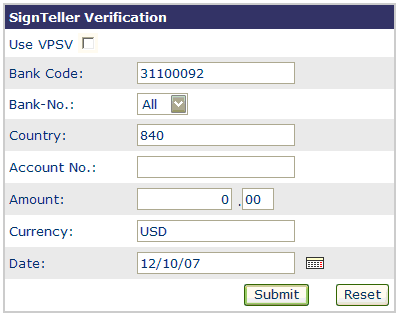
For the dynamic signature verification, the following information is required:
- Country
invariable default (as adjusted by the system administrator)
- BNO
default value may be changed by selecting a pulldown-menu’s item
- Bank code
invariable default (as adjusted by the system administrator)
- Customer No
- Account No
- Amount in "Cents"
- Currency
default value, may be changed
Additionally, the VPSV function can be activated.
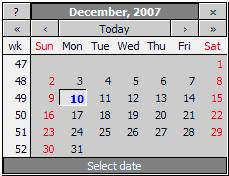
The date picker icon
 letting you easily choose
dates instead of entering the date for the entry field manually. A date
selection popup appears after clicking on the icon.
letting you easily choose
dates instead of entering the date for the entry field manually. A date
selection popup appears after clicking on the icon.
If the signature check or rules check was not ok and the VPSV is enabled, the Client will display the given signature at the top of the Signatories List. The user has the possibility to either reject or to overrule the decision of the APSV by accepting or to cancel the whole verification.