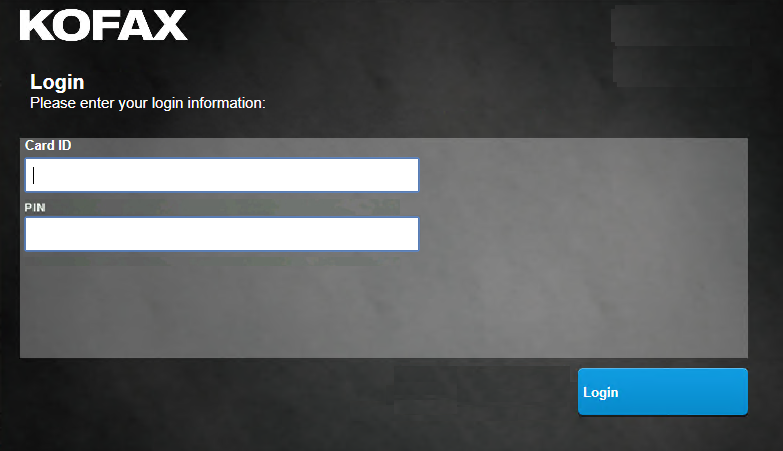
Equitrac login
This section shows Equitrac login screens for the Combined Client for Konica Minolta.
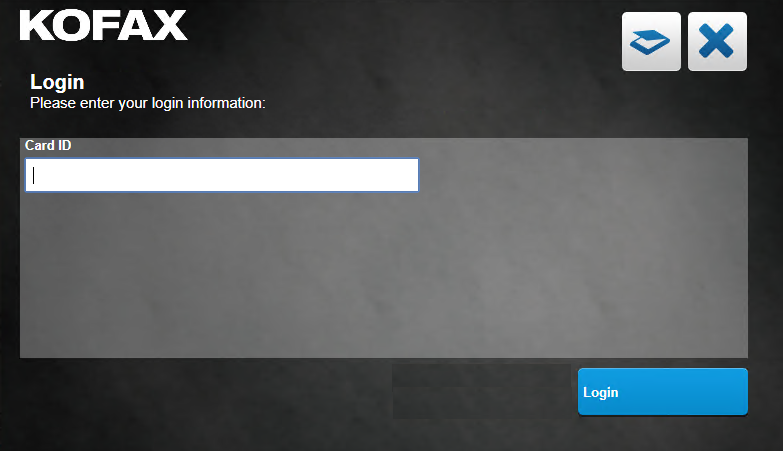
Equitrac login without authentication (secondary PIN prompt not enabled on the server).
The scan  and cancel
  buttons show in the
dialog.
buttons show in the
dialog.
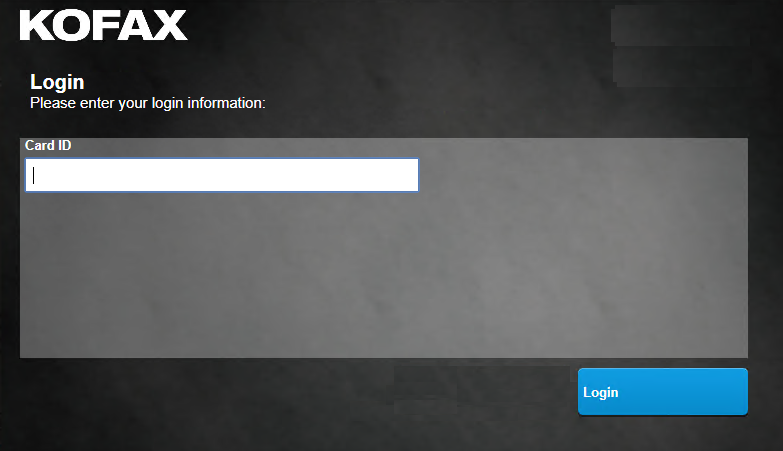
Equitrac login with authentication (secondary PIN prompt not enabled on the server).
The scan and cancel buttons do not show in the dialog. The user only
has access to device functionality as determined by user permissions after entering the card
ID and PIN.
Equitrac login with authentication when card registration is enabled.
The PIN field is added below the Card ID field. The user only has access to device functionality as determined by user permissions after entering the card ID and PIN.