
Submit a job to a Service
Communications Manager Core comes with a tool that facilitates submitting jobs for testing. You can use this Test Tool to submit a job to a script. The following procedure describes how you can use the Test Tool to submit a job to the example script that you created in Start a new Service.
- Create a Microsoft Word file and call it exampletest.
- Save the exampletest file to C:\Temp.
- Start Communications Manager Core Administrator.
-
On the menu, click
Tools and click
Test Tool.
Communications Manager Core Test Tool opens.
-
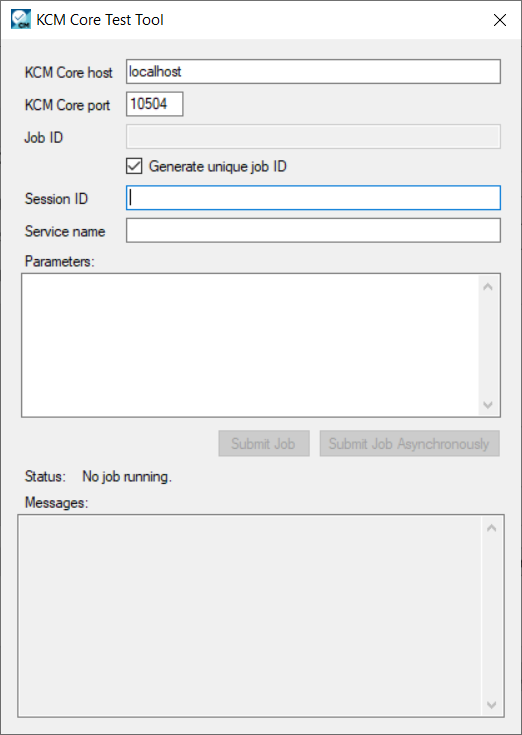
Provide necessary information, as shown in the following example.
Communications Manager Core
host and
Communications Manager Core
port might differ in your case. The default port for instance 1 is 10504. Session ID can be left empty.
-
Click
Submit.
The Status pane will inform you when Communications Manager Core is ready.
-
When
Communications Manager Core
is ready, navigate to
C:\Temp and locate the copyofexampletest.docx file.
You have just created and tested a new Service in Communications Manager Core.