
Active Jobs
The Active Jobs tool displays all queued and currently sending jobs.
Jobs can be cancelled, or the priority of a job can be changed.
The status icons for jobs are the same as in the outbox.
The status icon is a checkmark when the job is complete.
Clicking on a job opens a tool which displays all of the individual send orders of the job.
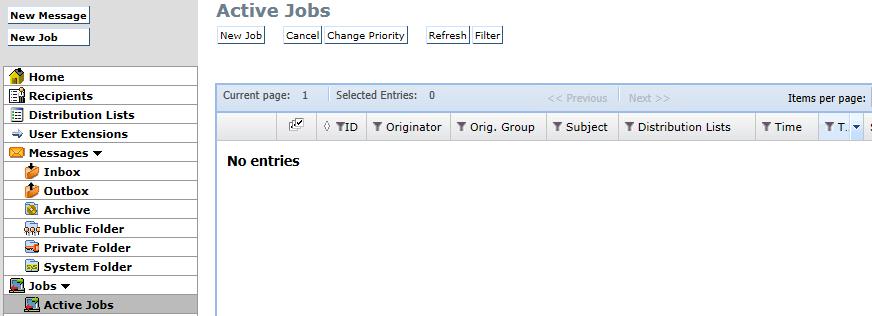
Picture 108: Active jobs
Available columns:
-
Id – JobID
-
Originator – Job originator
-
Originator Group – Originator group
-
Subject – Subject of the message to be sent
-
Distribution Lists – List of distribution lists for the current job
-
Time – Date/Time for the current job
-
Total – Total number of messages to be sent
-
Sent – Number of messages already sent
-
Failed – Number of failed messages
-
Open – Number of messages still to be sent