
Change Recipients of Message
The user can change recipients directly in the correction page by entering address(es) in the corresponding textbox for that recipient type. To remove a recipient, the user can simply delete it from the textbox.
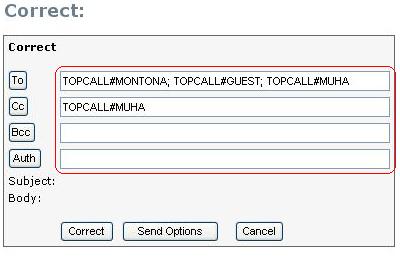
Picture 152: Recipients fields
There is also an option to select recipients from an address book, which can be accessed by clicking one of the recipient type buttons. On the subsequent Select Recipients page, recipients can be added to or removed from existing recipient lists. This process is identical to the recipient selection for a completely new message. To return to the correction page click Return to Message. The new recipient list will be displayed in the corresponding text box.
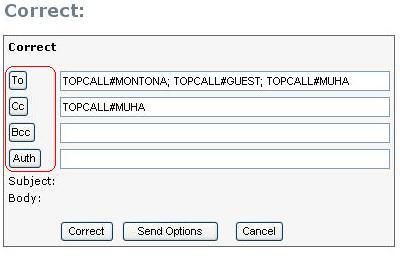
Picture 153: Recipients buttons
To make changes permanent, the user needs to click Correct. If correction is successful, the user will receive a confirmation message.
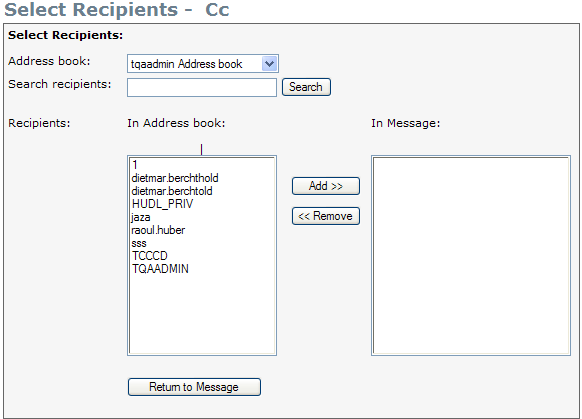
Picture 154: Add/remove recipients page