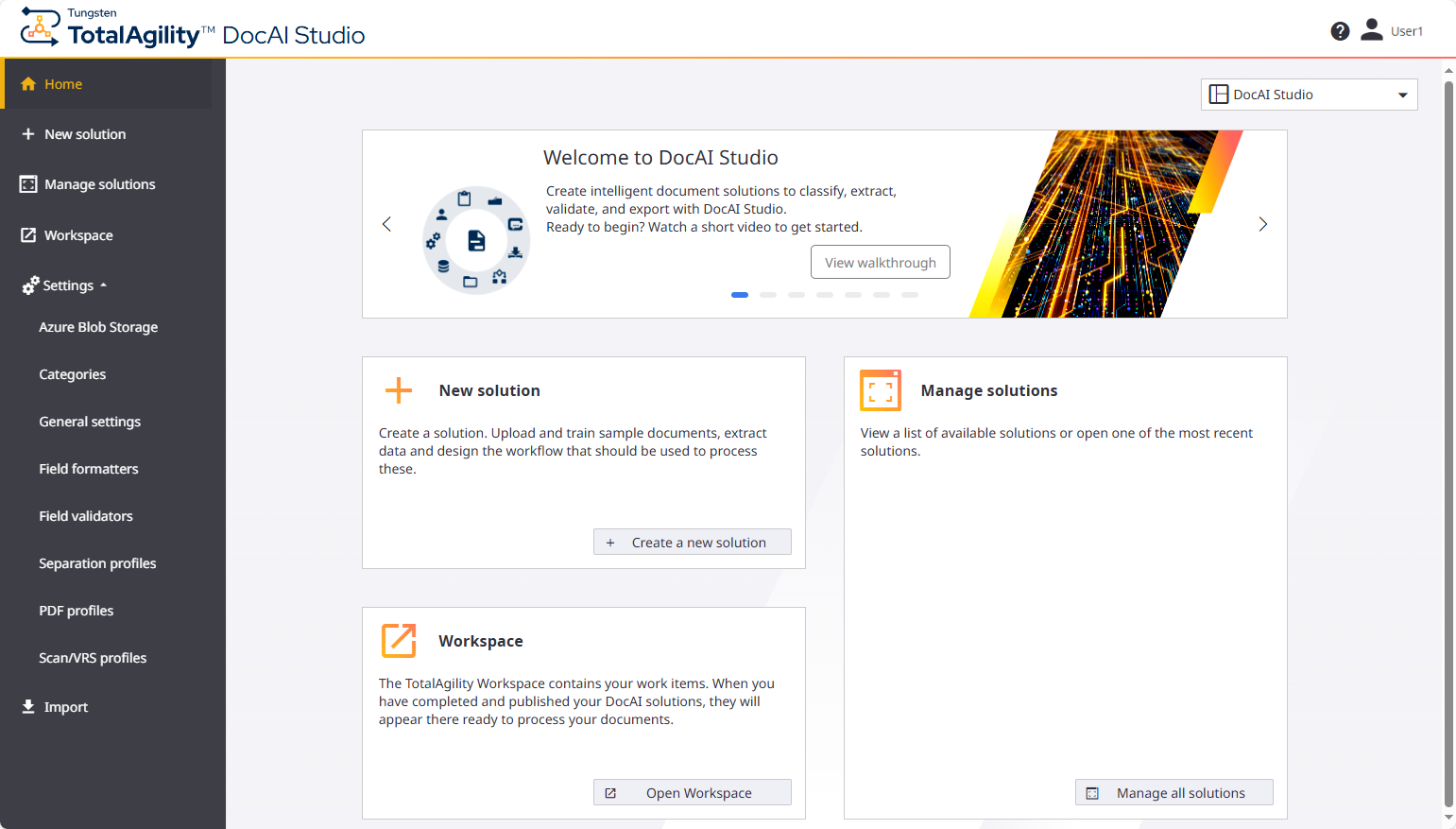
Standard initial view
The DocAI Studio initial view when you have a Standard license differs significantly from the initial view for Advanced and Enterprise licenses. See the example below of the Standard initial view. Select the example header to expand.
The Standard license tier navigation menu includes the following settings.
|
Icon |
Setting name |
Description |
|---|---|---|
|
|
Home |
Return to the DocAI welcome page. |
|
|
New solution |
Create a new DocAI solution. Displays the Documents page, where you can create a new DocAI solution. |
|
|
Manage solutions |
View and manage existing DocAI solutions. Displays the DocAI solutions page, where you can manage your DocAI solutions. |
|
|
Workspace |
Launch the TotalAgility Workspace dashboard in a new browser tab. The Workspace enables you to:
Refer to the Tungsten TotalAgility Workspace Help for more information. |
|
|
Settings |
Display a submenu of settings to configure the following:
For more information, refer to the Tungsten TotalAgility Designer Help. |
|
|
Import |
Import packages so they are available to extend a DocAI solution. These packages can include:
This same Import setting is available on the "DocAI solutions" page. |
Use the home list to navigate between the Advanced Designer, the DocAI Studio, and the Quick Apps home pages.