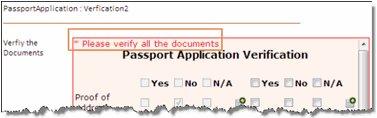
Use the control state
- Add a checklist control to a form or generate a form that contains a checklist.
-
To ensure that the checklist must be validated, on the
Extended Properties page of Checklist control,
State field, select
Mandatory.
Note If you select Optional, TotalAgility does not validate the checklist at runtime.
-
In the
Error Message box, enter the message to
display when not all items have been checked.
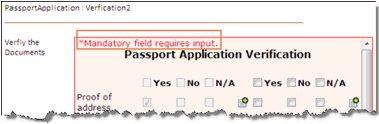
Note If no error is specified, the default error message appears.