
FIS Folder
The Fax Information System stores documents for easy retrieval from both internal and external locations. These stored documents are usually company documents such as leaflets, forms, price lists and any other information your company wants to make widely available. You can access FIS documents via TCfW or remotely from any fax machine. You can also attach FIS documents to outgoing messages.
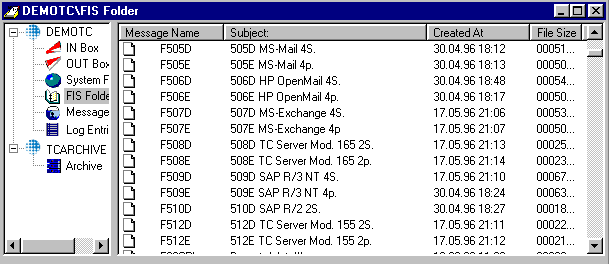
You can store any message in the FIS Folder, simply store it the same way you store a message in any other folder. Remember that the name of the message has to be numerical for fax retrieval. Access authorization to the FIS Folder is defined in user profiles.
Difference between the FIS Folder and normal Message Folders:
Filters for the file name are pre-defined in User Profiles so each user can only access a limited selection of FIS documents.
To access the FIS Folder remotely, you need a fax PIN code, a fax password and a FIS prefix defined in your User Profile. The filter for the Message Name field consists of the TCfW FIS prefix and the filter entered.(See Message Folder for a description of FIS-Folder fields.)
You can create and delete self-defined Private Folders. These folders are stored in your PC or LAN environment and not on the TCOSS server. You cannot create or delete folders on the Kofax Communication Server, but you can copy them to your PC environment.