
Transactions
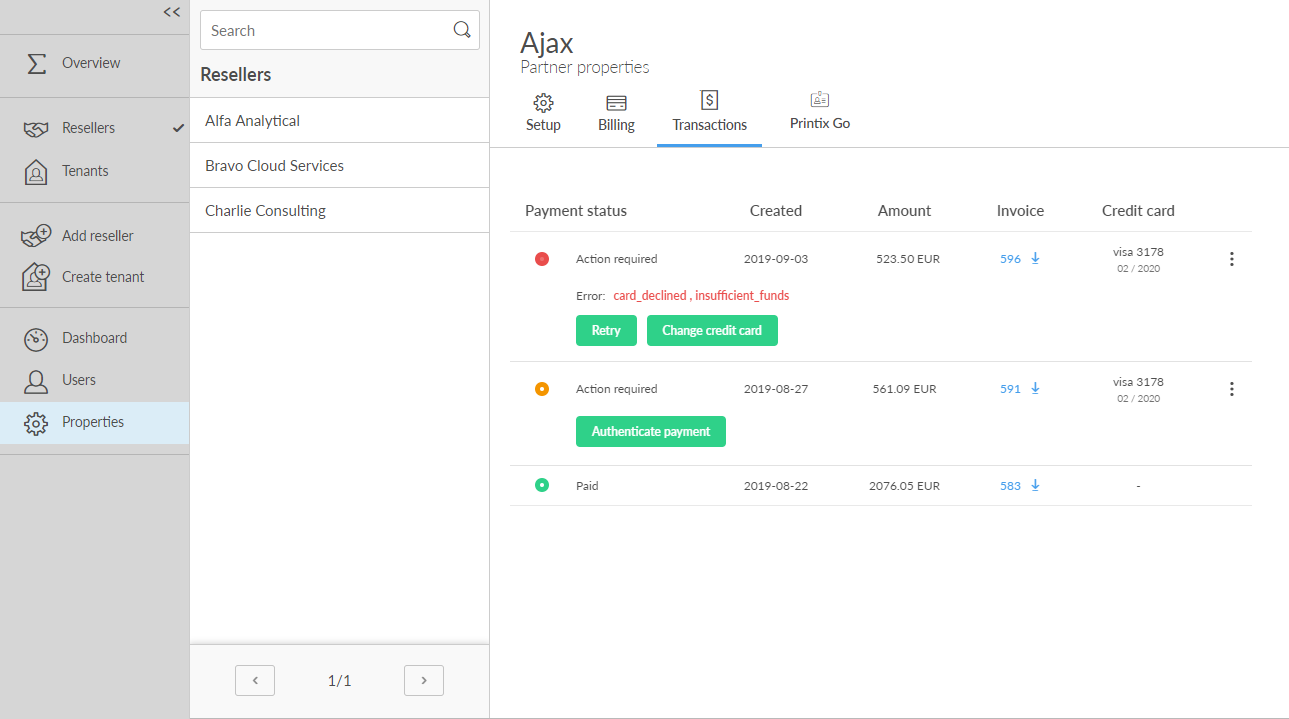
Lists the transactions.
-
Select Retry to try to pay the transaction if it failed.
-
Select Change credit card to use another credit card.
-
Select an invoice ID to download the invoice.
-
Select Authenticate payment to approve payment with the authentication method supported by your bank. If you have any questions or issues with one of these popups, it's best to contact your bank directly, because Printix does not control the form. If you have additional questions, contact finance.printix@tungstenautomation.com.
If someone from your finance department needs access to change the credit card, you need to add them as user.