
How to cancel a subscription
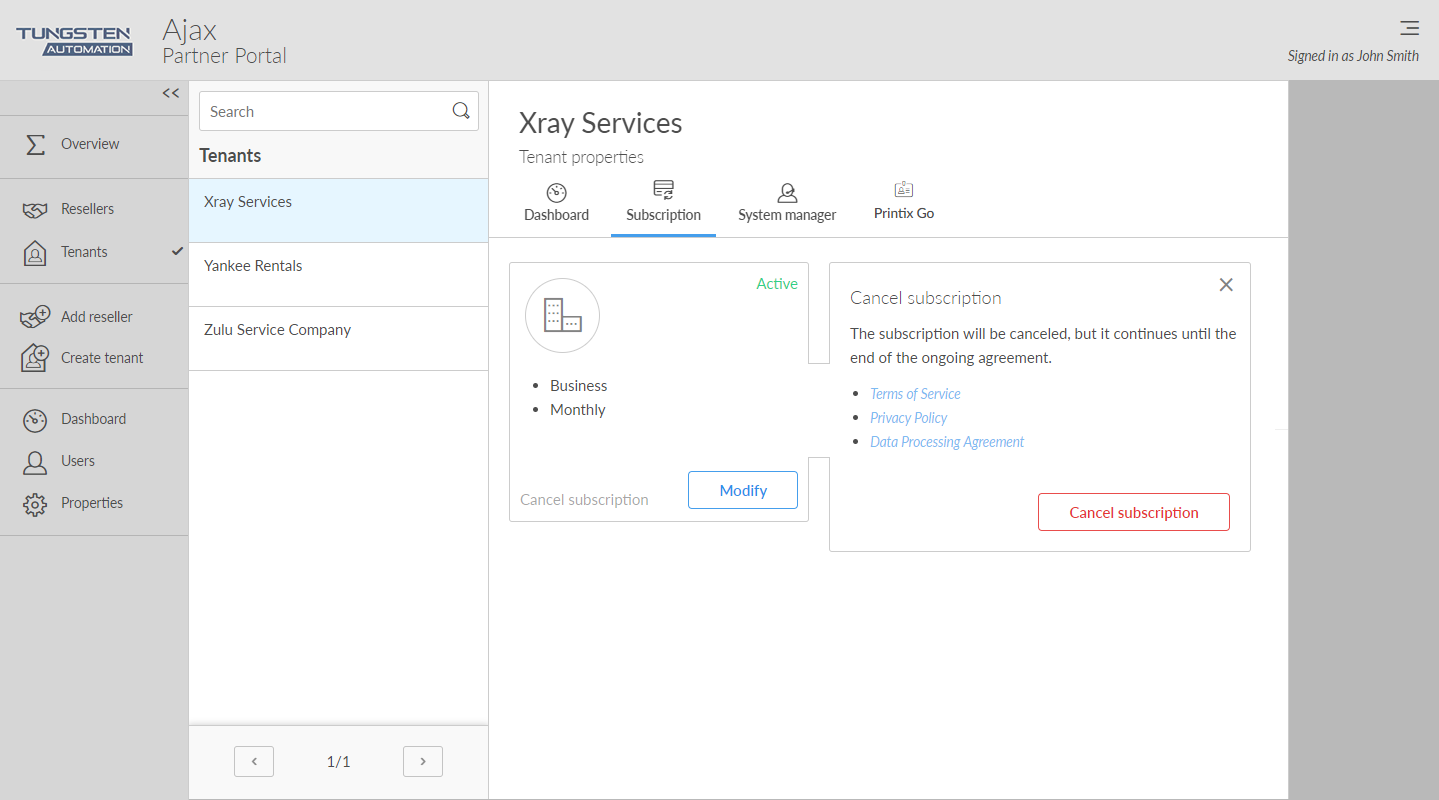
- Open the Tenant properties.
-
Select the
Subscription
 tab.
tab.
-
Select
Cancel subscription.
-
The subscription will be canceled, but it continues until the end of the ongoing agreement.
-
For monthly subscription
Cancellation is effective at the end of the month for which you have paid.
-
For annual subscription
Cancellation is effective at the end of the year for which you have paid. Contact finance.printix@tungstenautomation.com.
-
-
Only Printix can delete tenants on request prior to deactivation or during the grace period. Contact Product Support.
-
-
Select
Cancel subscription.
To undo the cancellation, select Revoke subscription cancellation.