
How to issue a "not for resale" license
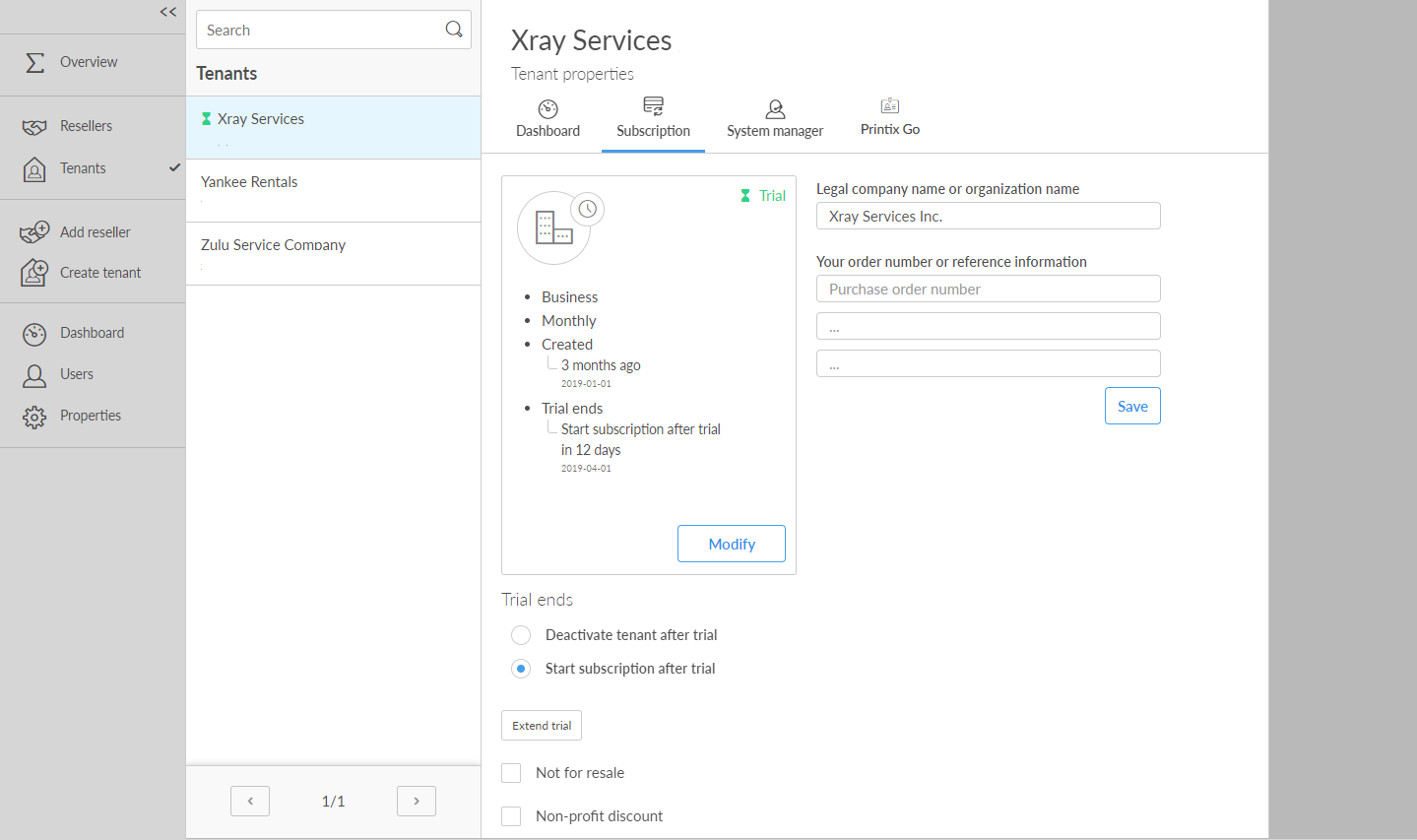
- Open the Tenant properties.
-
Select the
Subscription
 tab.
tab.
-
Select
Not for resale.
Only select this if the tenant is used internally by you as a Printix partner or by a reseller to train and educate employees on Printix.
If you subsequently clear Not for resale, the tenant enters the trial.