
How to open Printix Administrator
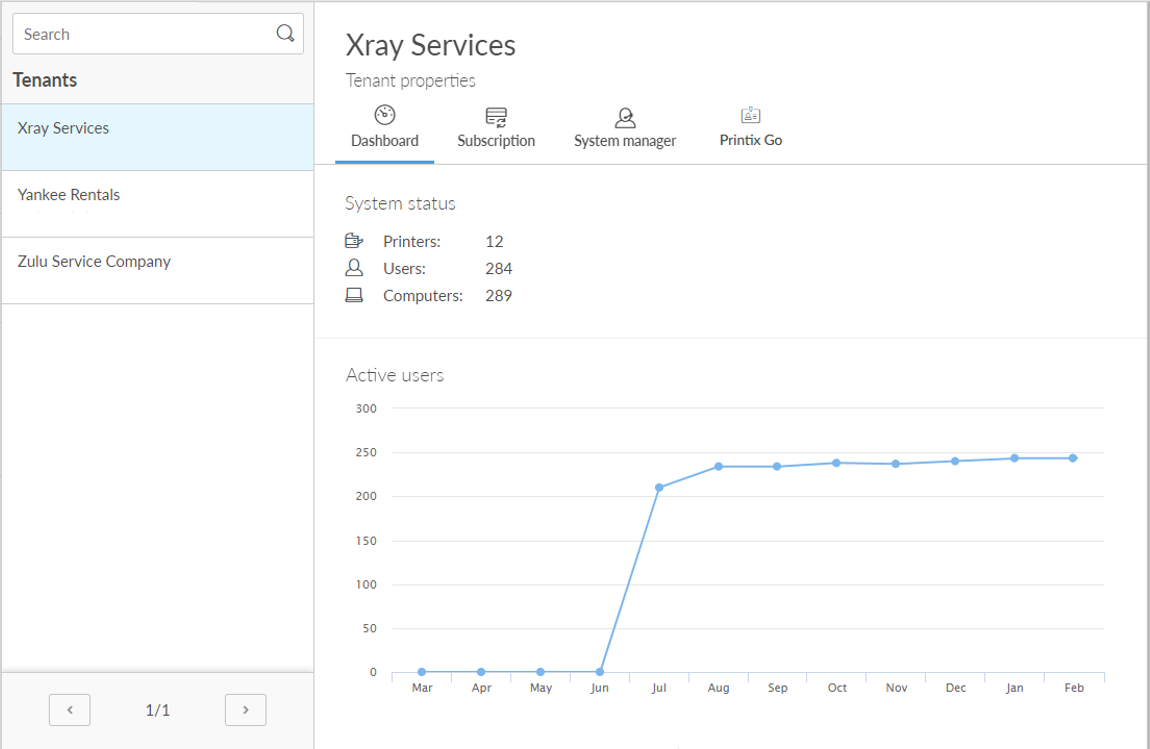
- Open the Tenant properties.
-
Select the tenant name (Xray Services in the example image) to open the
Printix Administrator for this tenant.
You are signed in automatically.

The partner user you sign in with is not really part of the tenant, so, we advise against using this account for printing on the tenant. For example, scanning a QR code does not select the printer as expected.