
Users
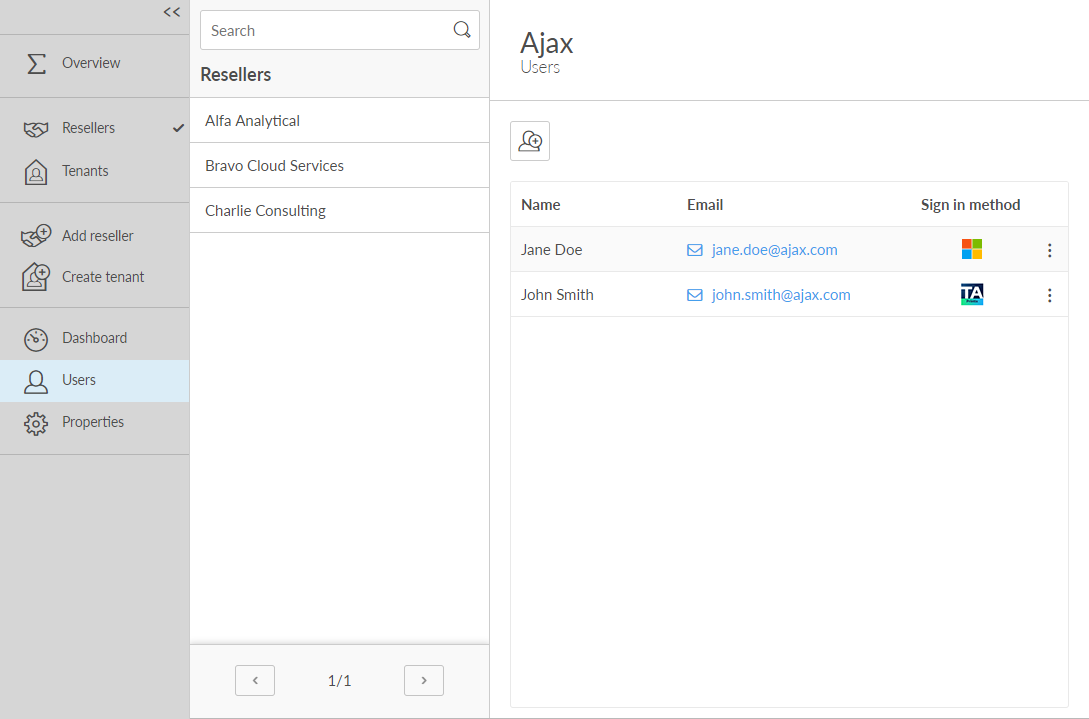
Sign in with Microsoft will only work after you have been added as a user and is listed here on the Users tab. See Sign-in issues.
The Sign in method is represented by icons:
-
Microsoft

-
Email
 (Printix
account)
(Printix
account)
-
Active Directory (AD)
To
add a user, select
 .
.
To add a user who does not have a Microsoft account, contact partner.printix@tungstenautomation.com.
To
delete a user, select
 and
and
 Delete user {Name}.