
Sign in reports: Need admin approval
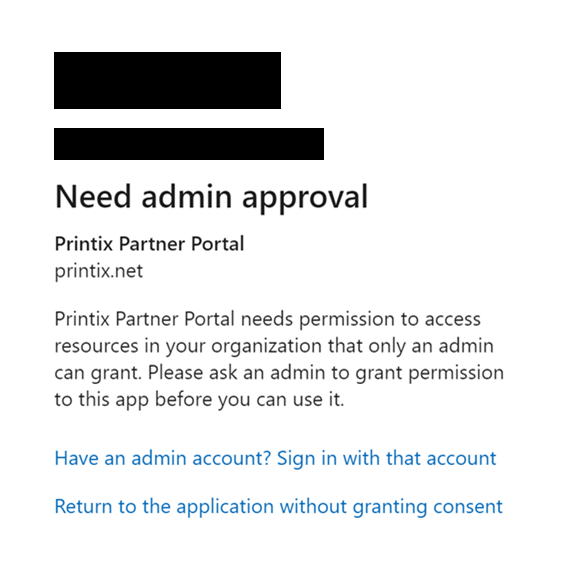
If you get the above message, your organization may not allow people in your organization to allow third-party apps to access your Office 365 information.
See also: Microsoft documentation on: Managing user consent to apps in Microsoft 365.
Resolution: To use your organization's Microsoft Entra ID for authentication in the Printix Partner Portal, a Microsoft Entra ID global administrator needs to approve Printix as a third-party application. This can be accomplished in two ways:
-
Add a user, who has the global administrator role in Microsoft Entra ID, to the Printix Partner Portal.
-
Have a user, who has the global administrator role in Microsoft Entra ID, sign in with Microsoft to your Printix tenant.
Both of the above will register Printix as an approved third-party application.