Add documents to signing package
To add documents to the signing package you can upload one or more documents either by file upload or by drag and drop.
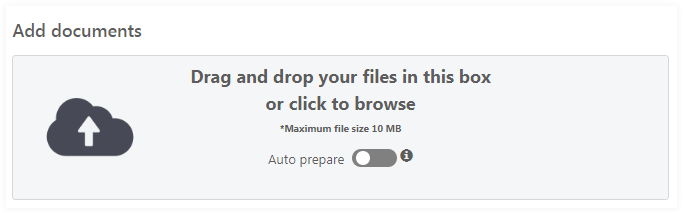
Auto prepare a document
If set the document is 'auto prepared' with one mandatory signature field for each signer when upload is completed. The signature field is added to the first page of the document. The field can be manually moved anywhere within the document using the document editor, see Prepare documents.
Document title
The document title is automatically filled with the file name. The title can be edited.
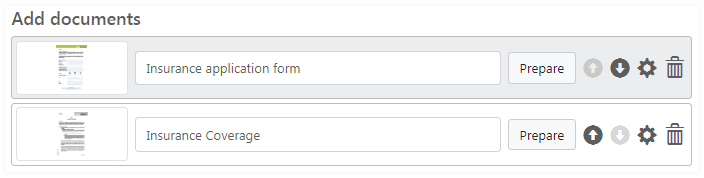
All uploaded documents are listed in the order they were uploaded. The documents can be reordered using the up
 or down
 icon.
icon.
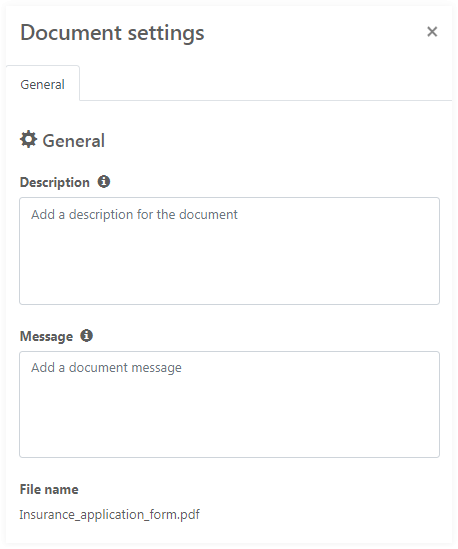
Document settings
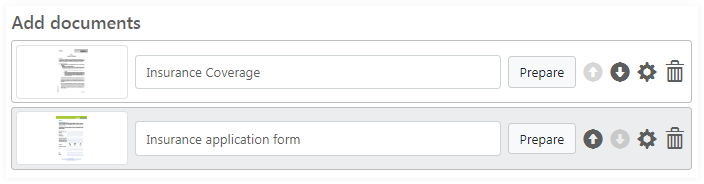
Clicking the settings icon
 will open the advanced recipient settings. For each document a
description and a message can be added.
will open the advanced recipient settings. For each document a
description and a message can be added.
To remove a document, click the delete icon
 . Click the
DELETE button in the pop-up message to confirm the removal of the document.
. Click the
DELETE button in the pop-up message to confirm the removal of the document.
Manually prepare document
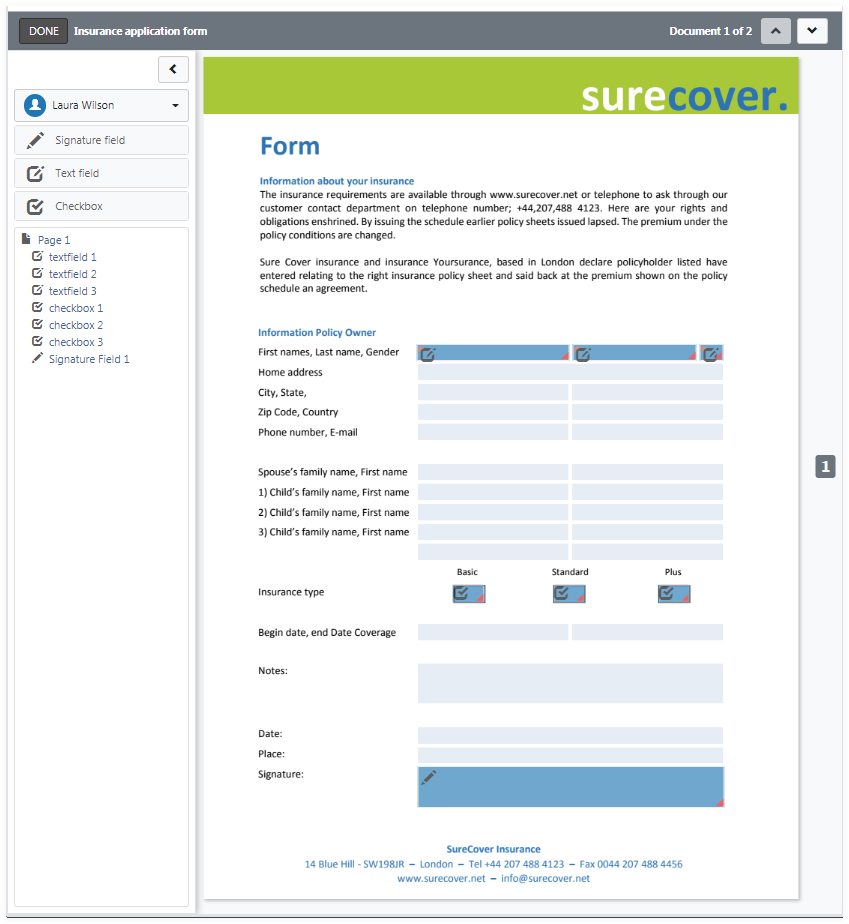
You can view the PDF document by clicking Prepare. The click opens the document editor, see Prepare documents.