Manage signing packages and templates
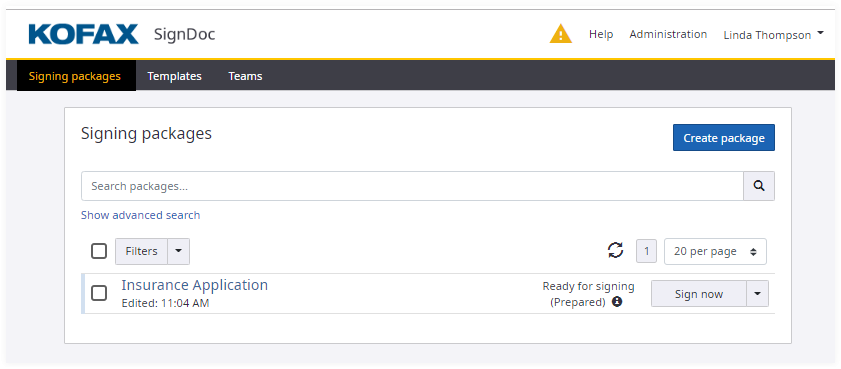
SignDoc Standard central overview page is responsible to manage user's signing packages and template packages. The Signing packages page offers the following features:
- Search for signing packages
- Select actions for signing packages
- Access for user preferences, help, guide me
- Create signing packages
The signing certificate icon
 is visible if at least one signer required
a signing certificate.
is visible if at least one signer required
a signing certificate.
Each signing package is shown with its
- document thumbnail
Signing package: A thumbnail of the first page of the first document will be placed atop a rectangle.
Template package: A thumbnail of the first page with the label Template of the first document will be placed atop a rectangle.
- date and time of last update
- package title
- TSP required
- signer certificate required
- signing package status information
- available actions for packages
View, Edit, Void, Use, Delete, Archive, Make a copy, Create Template and Sign now for in-person signing
The View action offers additional actions for the signing package to resend signing package, download documents, cancel signing package, create template from signing package, sign now for in-person signing