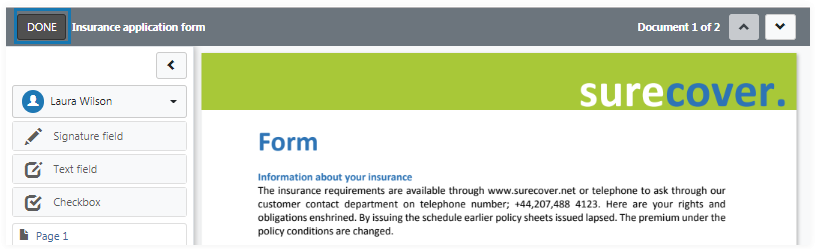
Prepare documents
You add fields to the document to collect information from signers.
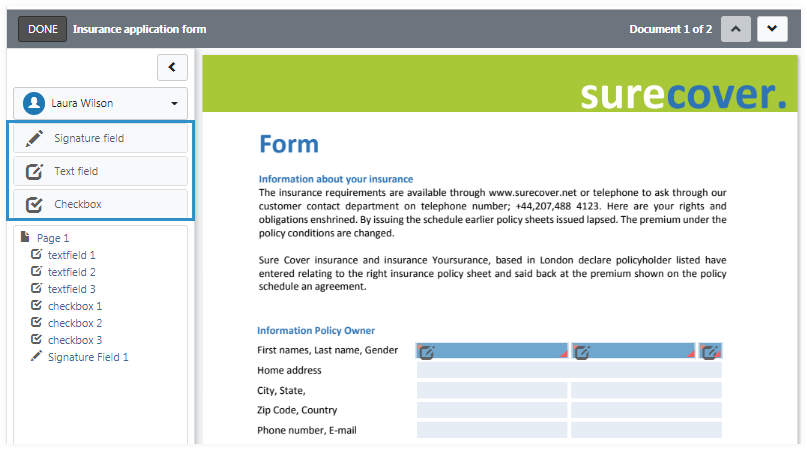
Select the signer and add fields by dragging and dropping from the panel into the document body. The following fields types can be added:
- Signature fields
- Text fields
- Check boxes
Fields can be moved by dragging and resized using the field edges. The field can be deleted from the field properties panel.
Field properties
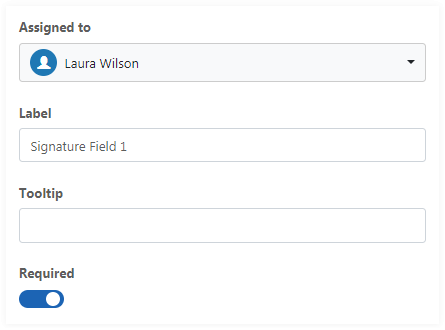
Basic properties for all field types are:
- The assignment to a signer
- Label for the field
- Tooltip text
- Setting the field required or not
Signature field
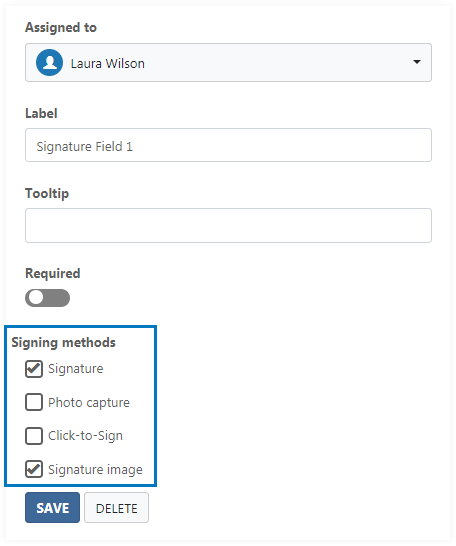
The following signing methods are selectable in addition to the basic properties:
- Signature (see also info for handwritten signatures)
- Photo capture
- Click-to-Sign
- Signature image
A SignDoc Standard user can limit the available methods or leave it to the signer to select.
Text field
Text fields can be used to collect user text input.
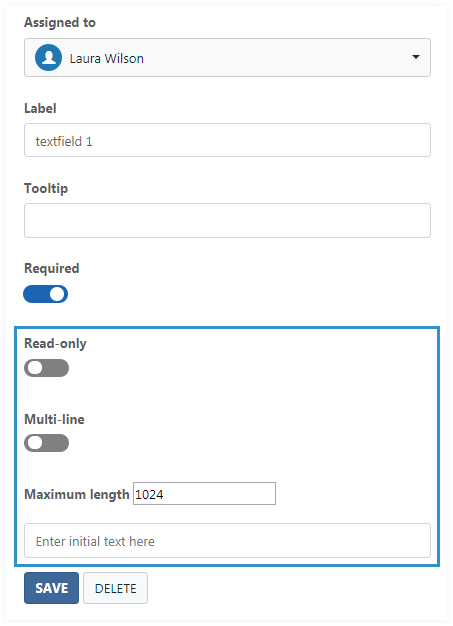
The following options can be set additionally to the basic properties:
- Set field as read only
- Single or multiline
- Maximum length
- Set the initial field text
Check box
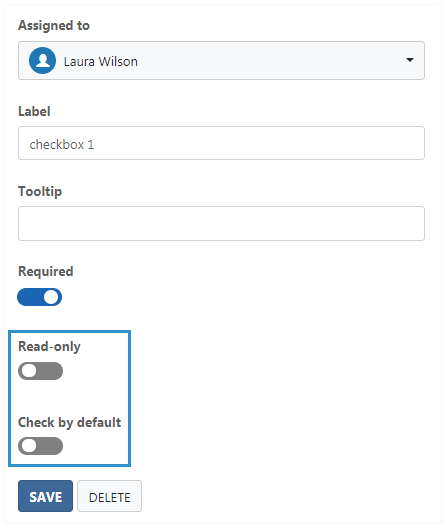
The following options can be set additionally to the basic properties.
- Set field as read only
- Set if the field is checked
DONE button
The DONE button will save the changes and bring the user back to recipients and documents page.