Soft prompts and red stars
Soft prompts
After completion of each step in the wizard a soft prompt will be displayed overlaying the wizard progress icons. The soft prompt shows the result of the previous completed step.
If an error occurs the soft prompt is red.
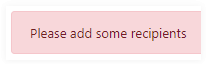
If it is information the soft prompt is green.

Red stars in graphical user interface
Fields with a red star are mandatory fields.
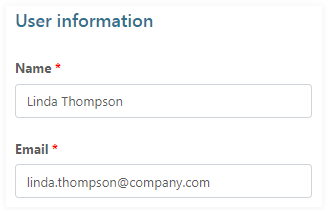
User input is validated as it is entered. Invalid field entry creates an error message.

Display or enter additional information
Here are some samples: