Login into SignDoc Standard
SignDoc Standard users are invited by an account administrator. You receive an email with the request to provide a password. Email address and password are your credentials to log in.
- Open your internet browser.
- Enter the
SignDoc Standard
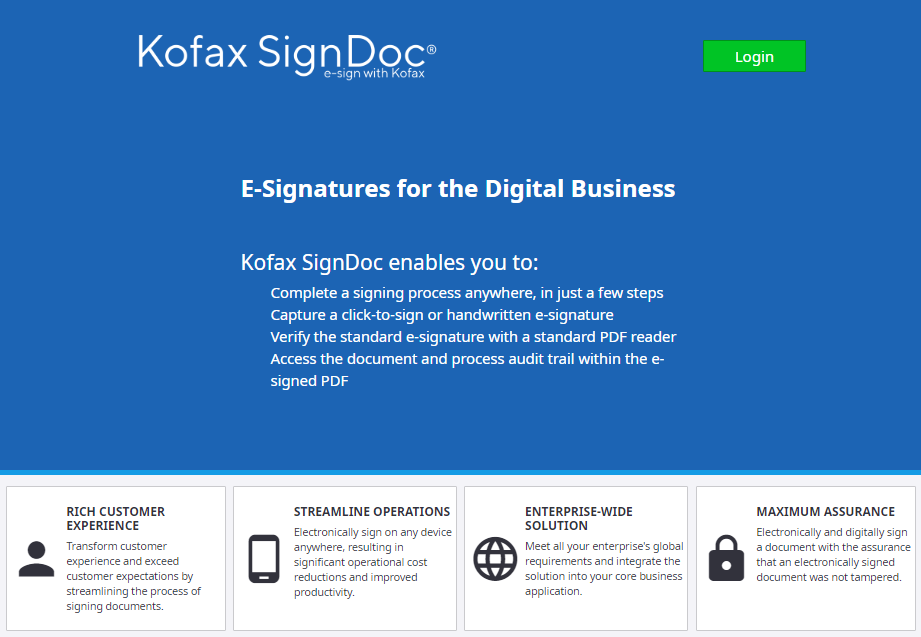
portal page and click
Login.
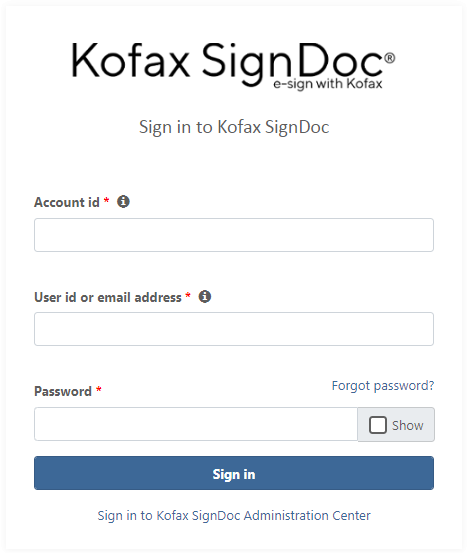
- Type your user id or email address and password and click
Sign in.
In some instances, you will also be asked to enter your account id. The account id will have been provided to you when you purchased SignDoc Standard and is unique to your (or your company’s) account.
To continue with creating and sending documents for signing and reviewing, see Send document for signing.
Header
The header is placed at the top of the application.

In the header you can find the following elements:
- Logo (can be customized for an account)
- Link to the Help page
- Link to the Administration page
- User name as a drop-down list with the following links:
- Link to Preferences (depending on the view, it may be hidden)
- Link to Log out
- Navigation panel (if the user is located on one of the specified pages, the corresponding link will be highlighted):
- Link to the Signing packages page
- Link to the Templates page
- Link to the Teams page