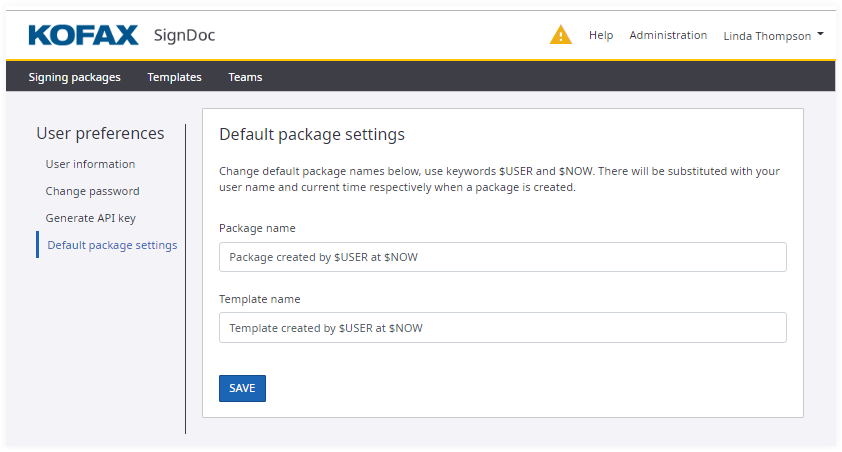
User preferences
The User Preferences page shows settings which can be changed by the authenticated user.
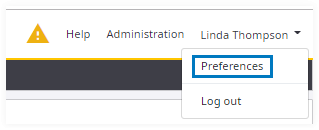
In the application header click the drop-down icon next to the user name and select the menu item Preferences.
User preferences include the following views:
- User information
- Change password
- Generate API key
- Default package settings
User information
On this page a user can modify his personal details as full name or email. The time zone used for all timestamps during signing and for any time and date indications can be selected from a drop-down box.
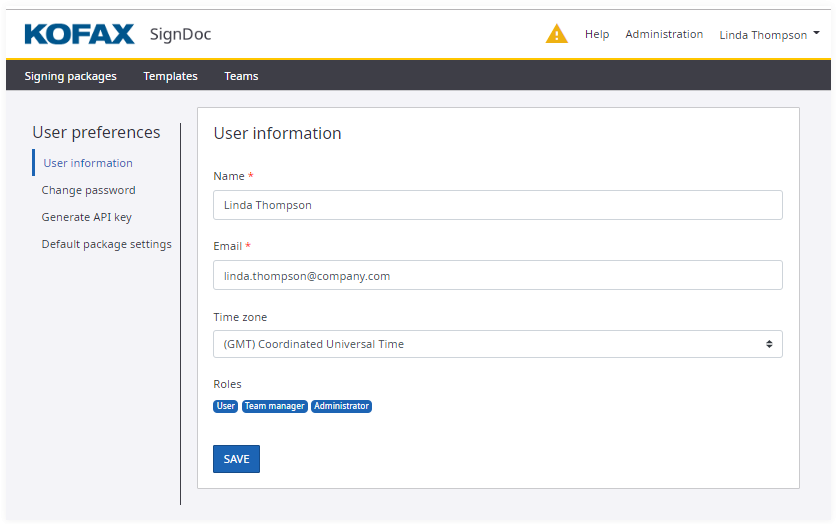
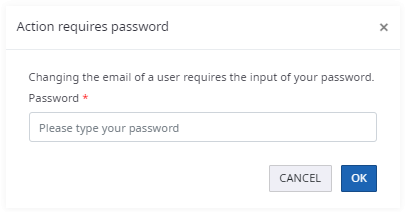
When changing the email address of a user the current password is required for the authenticated user.
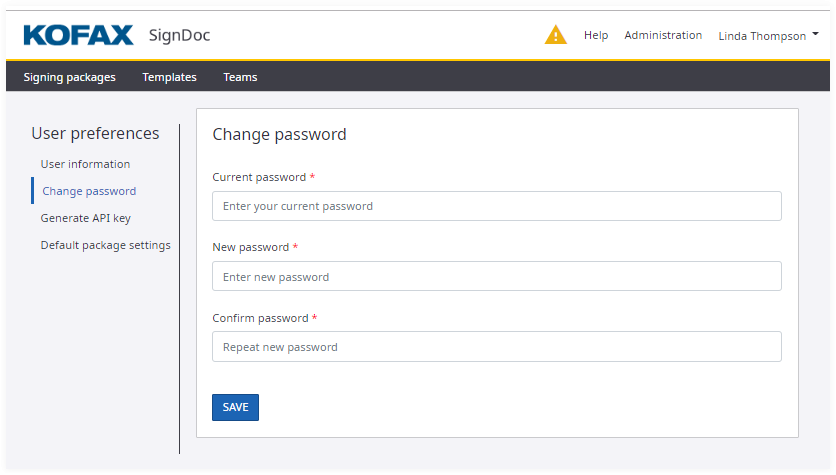
Change password
On this page a user can change his password.
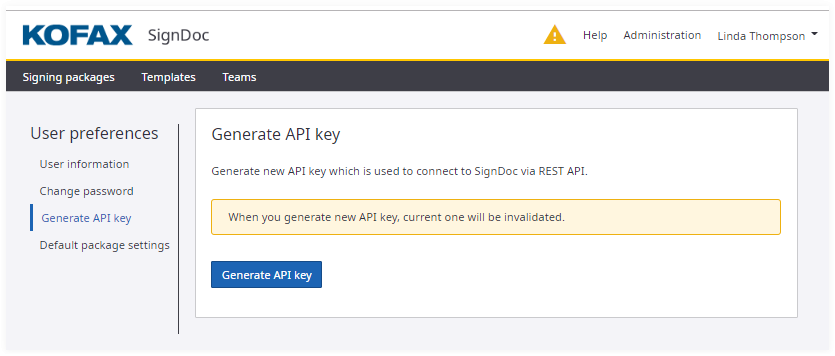
Generate API key
On this page a user can generate an API key.
Default package settings
On this page a user can change default package settings, which are used on package/template creation. These settings can be updated also during the signing package creation process.