Final document
After all recipients have signed and reviewed the documents, a final PDF document named with the signing package is sent via email by SignDoc Standard. This PDF document includes information about the signing package and as attachment the signed documents and their audit trails. See Audit trail.
- Open the email attachment in PDF viewer (such as Adobe Reader) showing digital signatures.
Page 1 includes instructions
Page 2 contains signing package information
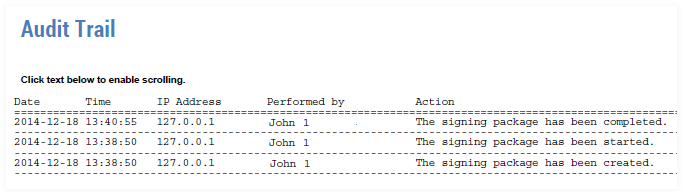
Page 3 provides the audit trail for the signing package
- Open the attached documents.
Option a: click in the grey area in the final document on page 1

Option b: use e.g. Adobe Reader controls
Click the attachments tab on the left bar (the paperclip icon).
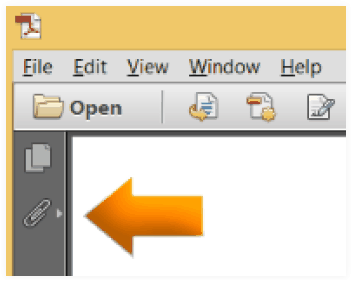
The Attachments panel opens and lists the attached files.
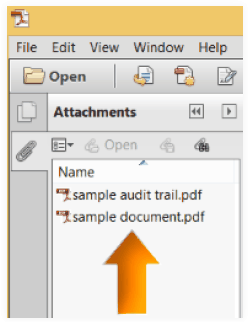
- Select document to view.
- Goto the page with the audit trail information.