Delete a team member
Note This functionality is only available when the accessing
SignDoc Standard
user has team manager role for this team or is an account administrator.
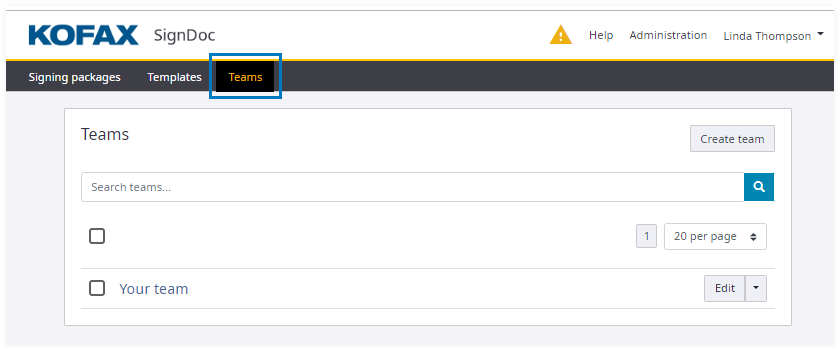
- On the top navigation bar click
Teams.
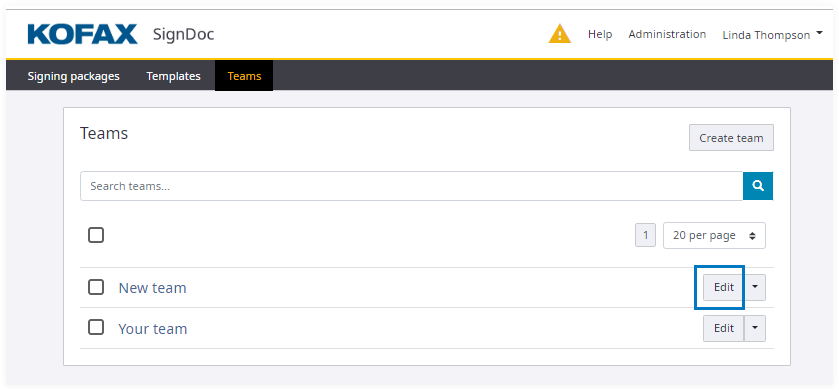
- Click
Edit for a team.
- Select a user name.
- Click
Remove for the team member to be deleted.
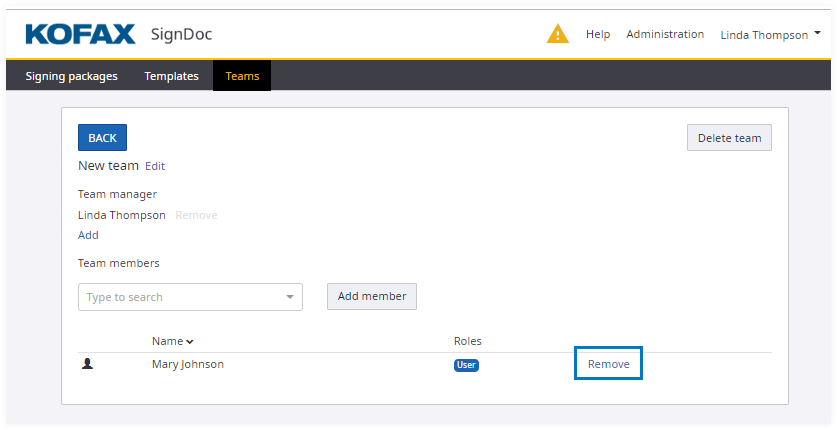
- After the team member is removed from the list of team members, click BACK to return to the Teams page.