Void, delete and archive signing packages
Besides viewing the details of a signing package SignDoc Standard offers additional features for handling signing packages by a user.
Void a signing package
A user, which has access to a signing package, can cancel the signing package as long as it is not completed.
It is possible to:
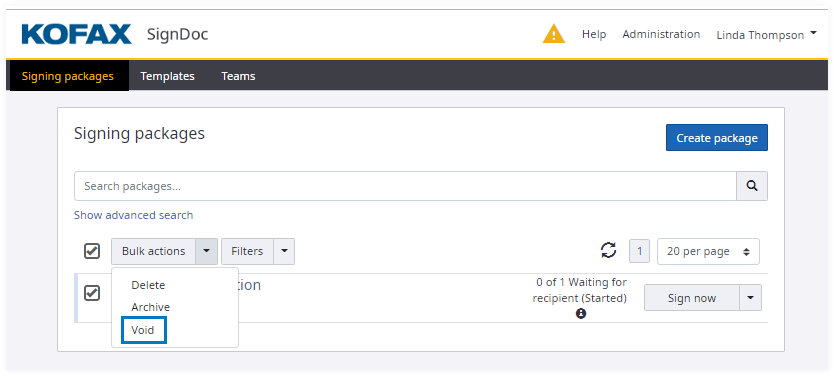
- Void a set of signing packages in
Signing packages view:
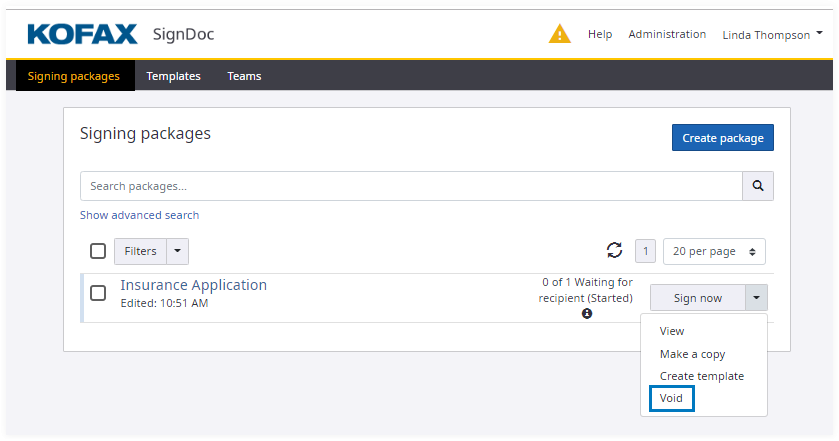
- Void a single signing package in
Signing packages view:
- Void a single signing package in
Signing package details view:
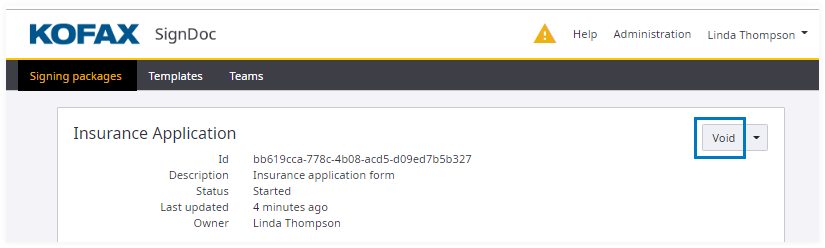
By clicking
Void the following confirmation dialog is displayed: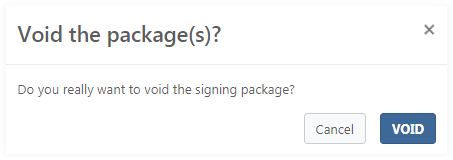
If the user confirms with VOID the signing package(s) is (are) voided. After a signing package is voided, recipients can no longer view or sign the signing package and it cannot be deleted from the system. Recipients are notified by SignDoc Standard.
Delete a signing package
A user, which has access to a signing package, can delete the package when it is completed. It can be done in Signing packages and Signing package details views.
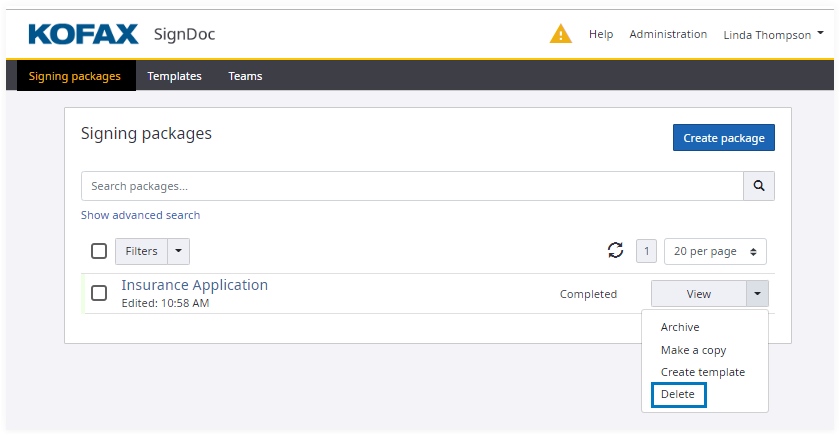
Before deletion the following confirmation message box is displayed:

If the user confirms with DELETE the signing package is removed from the system.
Archive a signing package
A user, which has access to a signing package, can archive a signing package when it is completed. It can be done in Signing packages and Signing package details views.
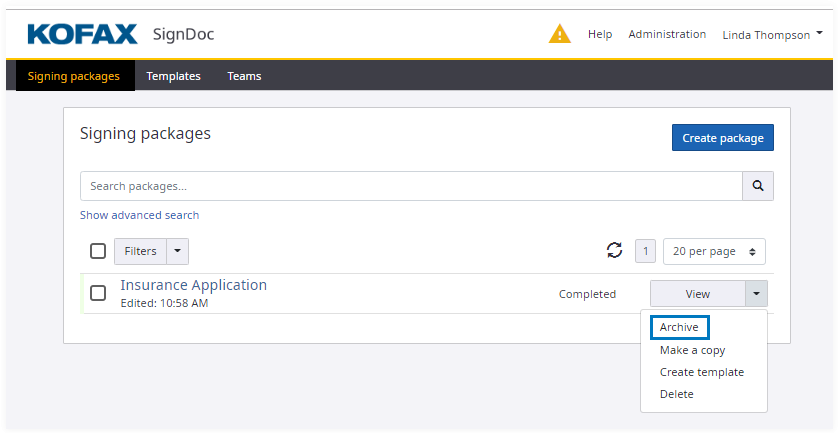
Before archiving a confirmation dialog is displayed:
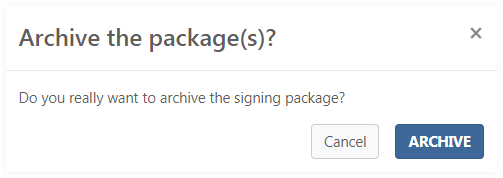
If the user confirms with ARCHIVE the signing package is archived by the system.