Wizards
SignDoc Standard uses the concept of wizards for two main tasks:
- one for creating signing packages and template packages, see
Send documents for
signing

- and the other as guidance for the signing process, see
Sign and review
documents

Wizard page overview
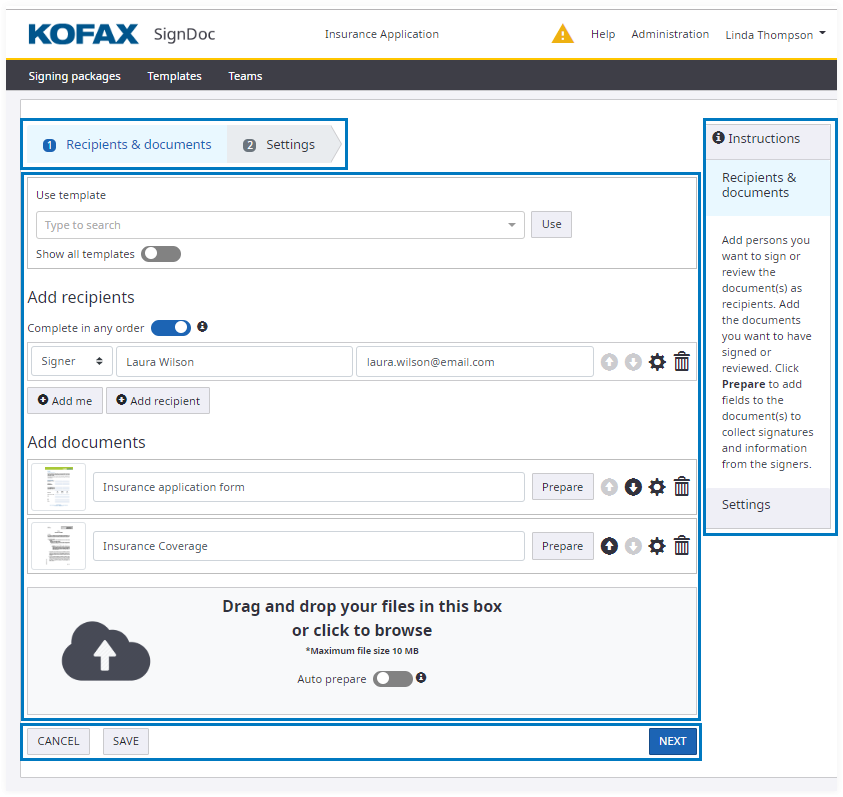
In general a wizard page shows in following regions:
- Navigation bar on top
- Information panel on the right side
- Content region
- Navigation controls on bottom
Wizard navigation bar
The wizard progress will act as a means to graphically present the progress through the wizard, and also as a means of navigation. Each step in the wizard will be represented by a number and text.
The following example shows the possible states of the steps:

| 1 Welcome | The step is completed. |
| 2 In-person signing | This step is currently active. |
| 3 Finish | The step is not yet visited. |
Wizard navigation controls
Below the content are the main navigation controls for the user, such as CANCEL, SAVE, BACK, NEXT, FINISH.
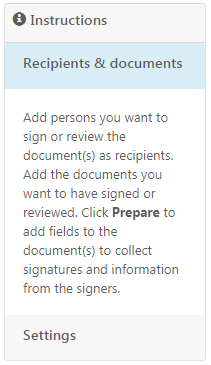
Wizard information panel
Each step in the wizard includes an information panel. This shows concise instructions on how to complete the current step.