Working with localizable strings
Some account settings are localizable. That means that you can configure them so that users using different languages can see different text depending on their selected language. One example of such settings is GDPR data protection statement. You can add different translations for the consent text.
On the picture below is an example of such settings:

To change the settings value for a locale, select that locale in drop-down list on the left. Then change the value in text
field on the right. You can check localized values for different locales by selecting another locale in the drop-down list.
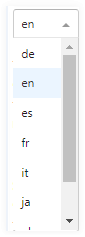
Note Locales having translations are marked as bold.
If you do not set a value for a locale, SignDoc Standard will use a default value defined on the server level.