Close the Incident cases
As the processes of the Incident Case are completed, the occupant should close the Incident Case by completing its Close task if the occupant is satisfied with the solution provided.
-
Use the following link to log in as the external user who was assigned as the occupant in the case instance (see
Create an external resource to view the credentials of the external
user, also see
Import forms):
<TotalAgility host address>/TotalAgility/Forms/External User Logon.form
The page displays the tasks requiring your attention.

-
Click the
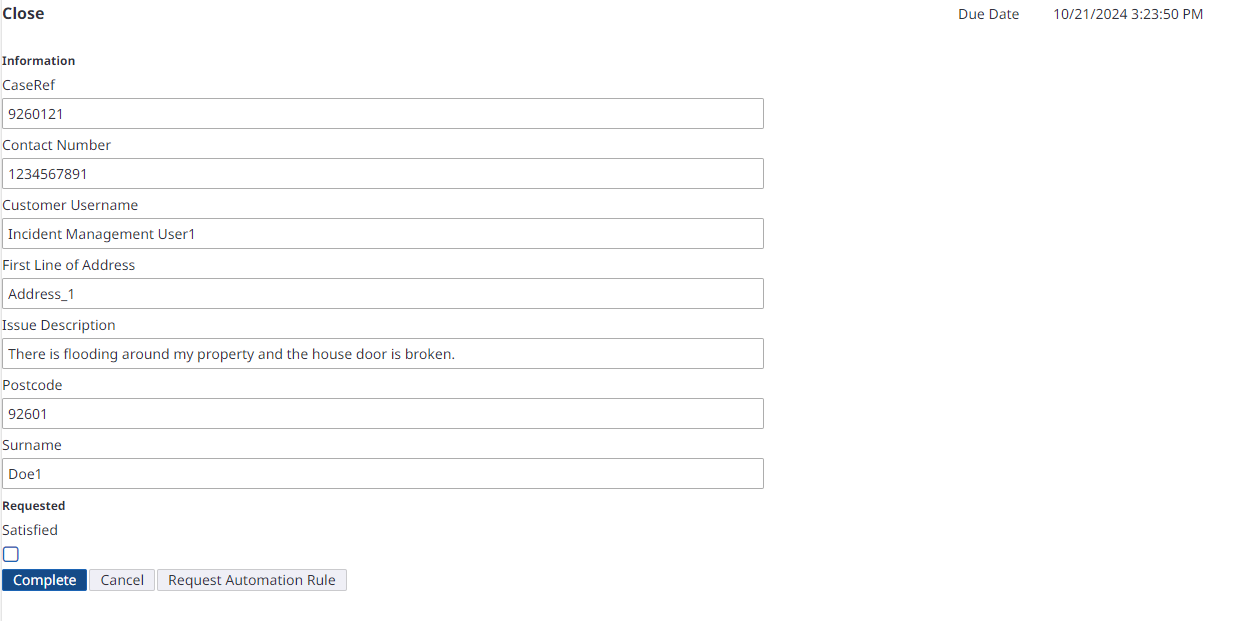
Close task to open it.
-
Do the following:
-
If you are satisfied with the solution, select the Satisfied check box and click Complete.
The Incident Case completes.
-
If you are not satisfied, do the following:
-
Keep the Satisfied check box clear and click Complete. The task is then assigned to the Incident Management Team as the Follow Up task.
-
Log in to the Tungsten TotalAgility Workspace as a member of the Incident Management Team and complete the Follow Up activity.
The Incident Case is now complete.
-
-
-
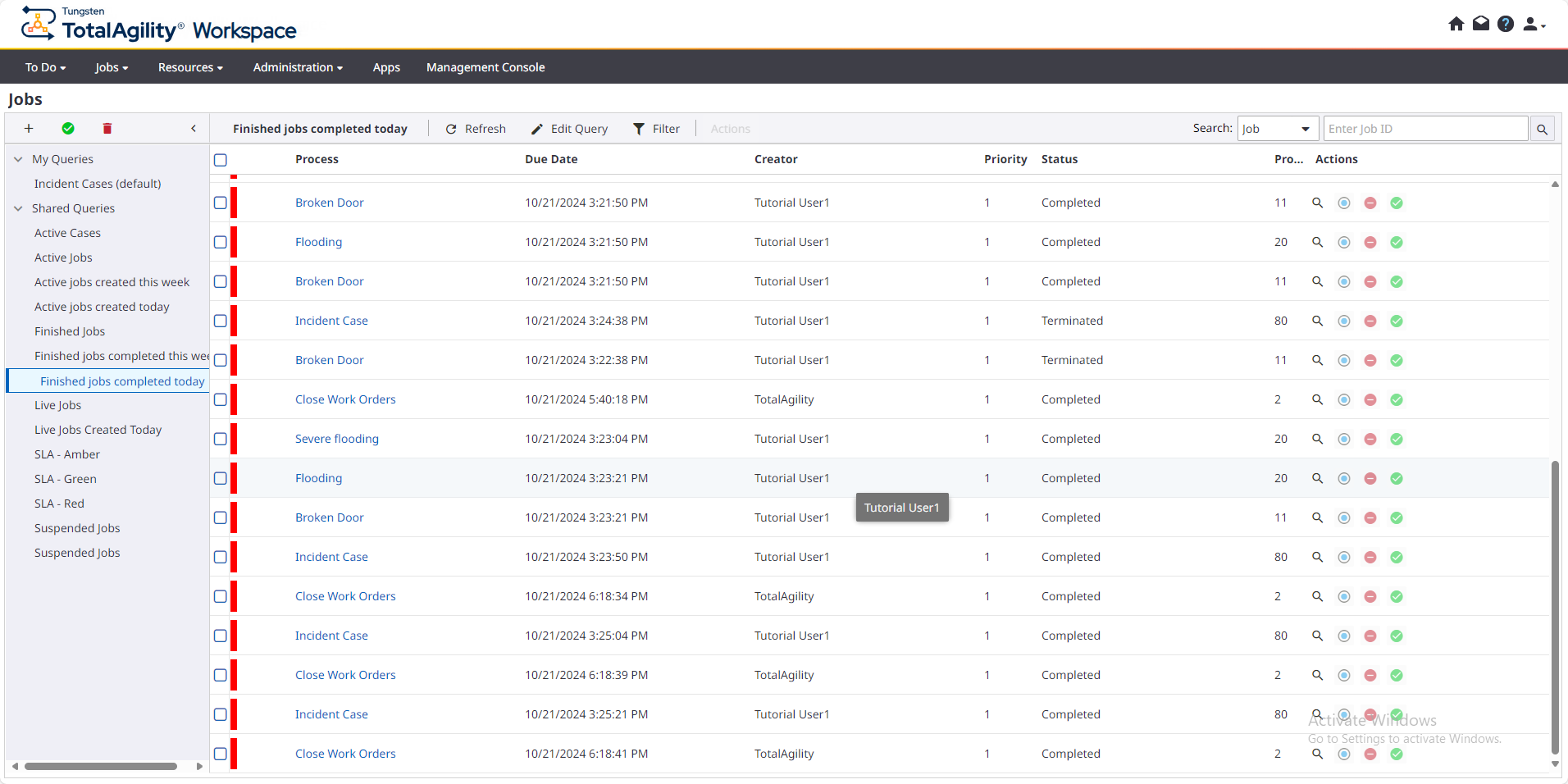
View the completed jobs.
On the Jobs page, in the left navigation pane, click Finished Jobs.
The list of all completed and active escalation processes appears.