
Second Incident Case
In this case, you will not proceed with the visit activities; instead, you will terminate the case.
- On the Jobs page, select the second Incident Case.
-
In the left navigation pane, click
Properties.
The Properties page appears.
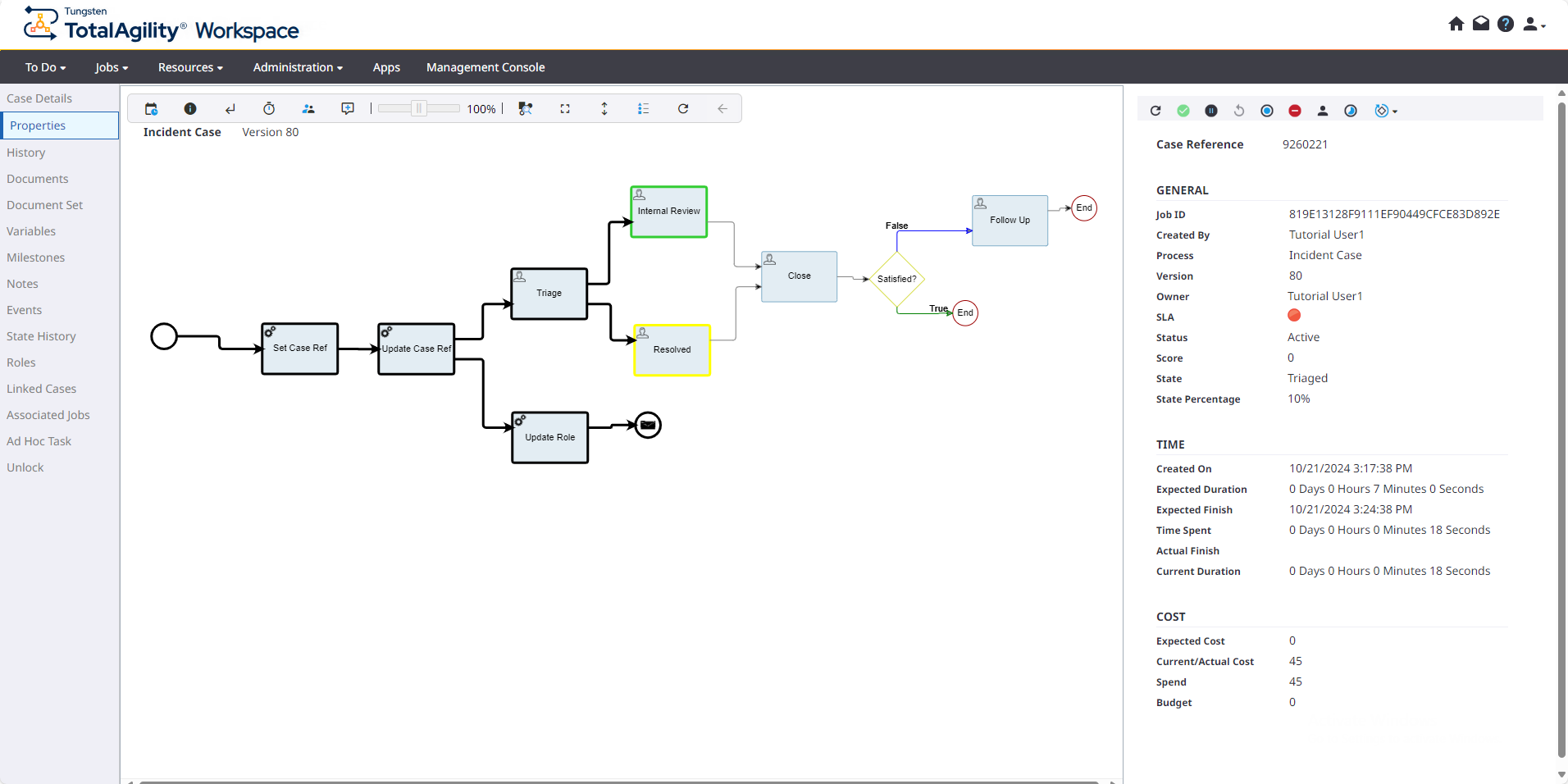
- Click to terminate the Incident Case.
-
In the left navigation pane, click
Associated Jobs, select the available job, and click
View Properties to view its properties.
The associated job is also terminated.