
Set the Incident Cases query as the default query
-
On the
Tungsten TotalAgility Workspace
home page, click
.
The Jobs page appears.
-
On the
Jobs page, under
My Queries, select
Incident Cases and click
.
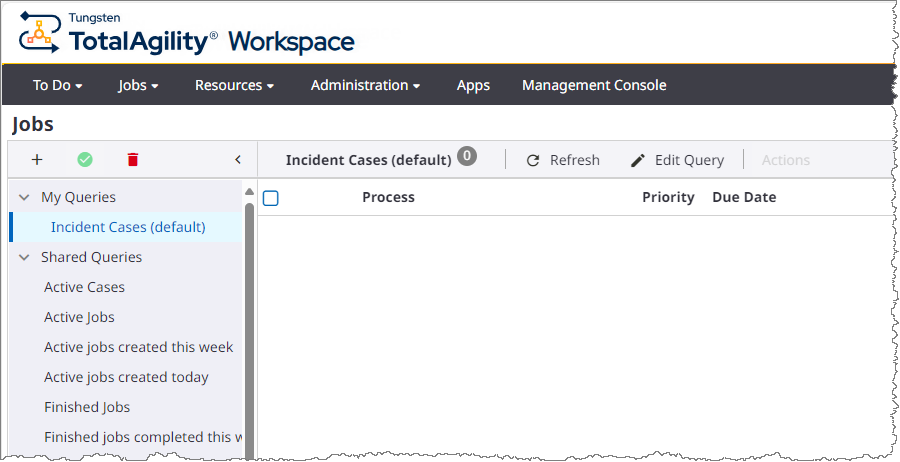
This sets the query that you created earlier (see Create query) to be the default.