Open Copilot
You can use the Tungsten Copilot card from the Home page of TotalAgility Advanced Studio or TotalAgility Studio.
Before you begin
To use Copilot, ensure the AI provider integration is already configured in the TotalAgility Advanced Studio. If the Generative AI integration is not configured, you can configure it in Tungsten Copilot.
Procedure
Use the following procedure to open Copilot from the TotalAgility Studio page.
-
Select
.
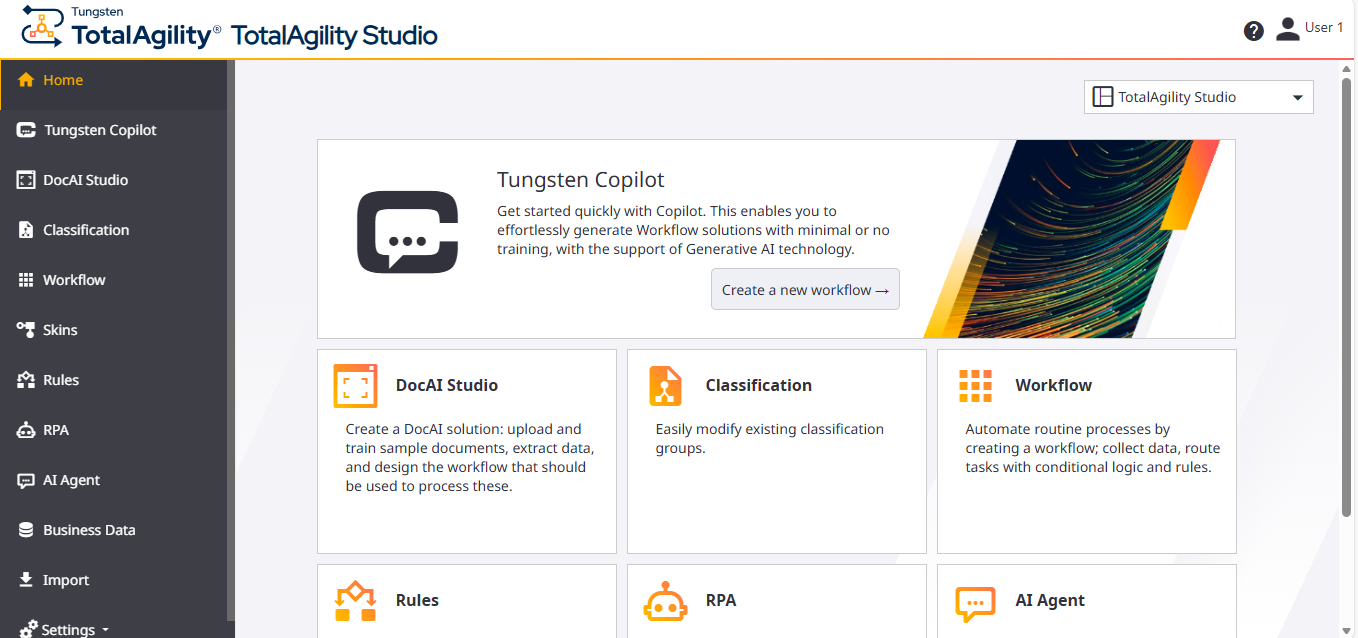
The TotalAgility Studio page opens.
-
Select either the
Tungsten Copilot card or
the
Tungsten Copilot menu.
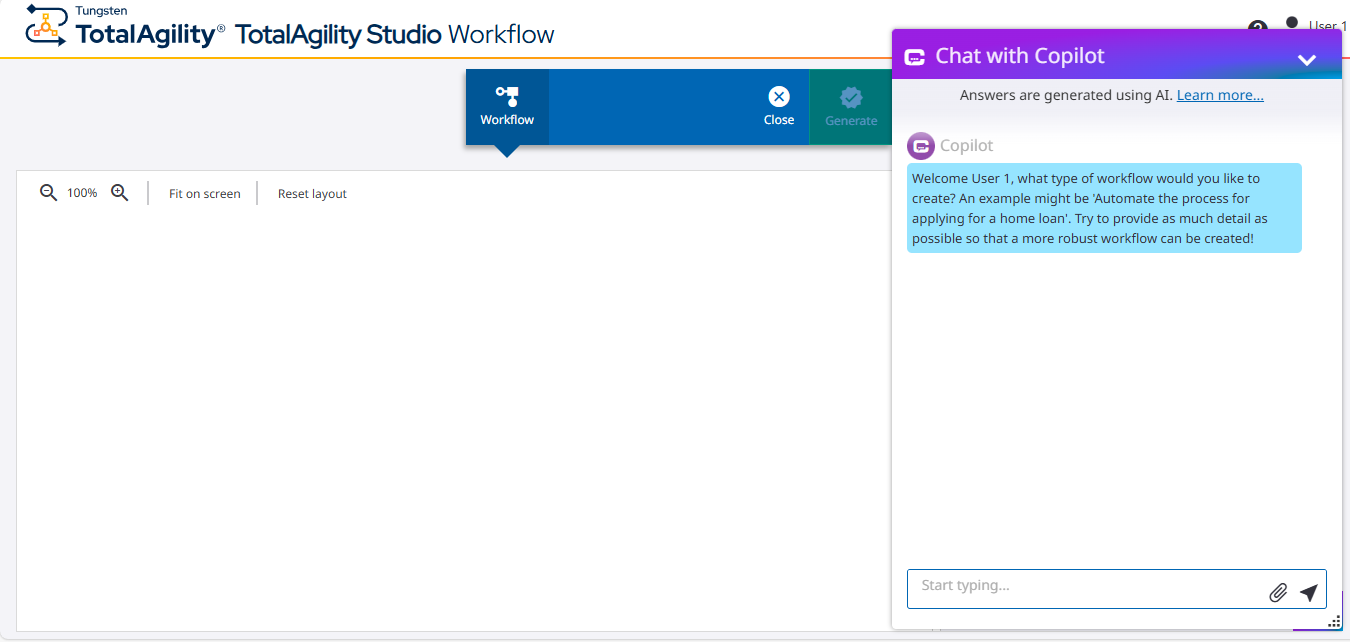
The Workflow designer opens, and the Chat with Copilot floating window appears, where you can chat with Copilot and request workflow creation.