
Log on to Rules
When you install Tungsten TotalAgility, Rules is automatically installed and available under TotalAgility Studio.
Before you begin
Ensure you have access to the Advanced Studio and Process for using the Rules page.
Refer to "Access control list" in the Tungsten TotalAgility Advanced Studio Help.
Procedure
You can log on to the Rules page either from the Windows Start menu or directly using the Rules URL.
Open Rules from the Windows Start menu
-
Select
.
The TotalAgility Studio Home page is displayed.
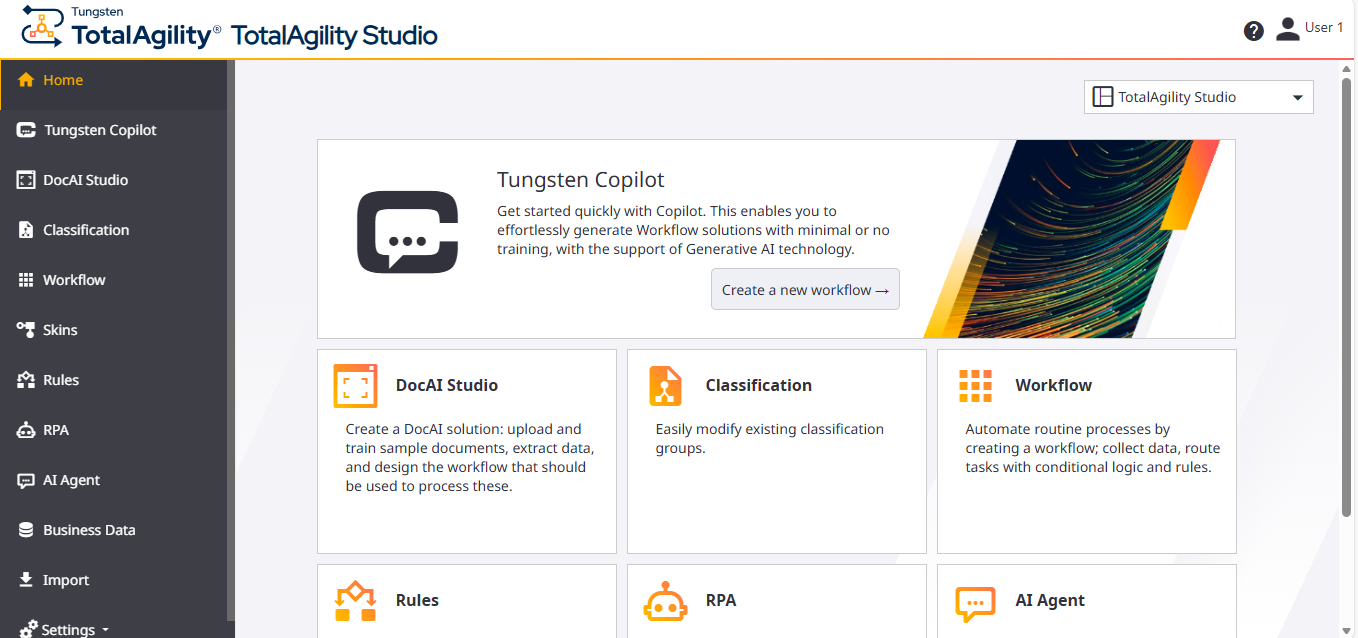
-
Select the
Rules card or the
Rules menu.
The Rules page opens.
Open Rules directly using the URL
- Enter the following URL in the browser. http://<server name>/TotalAgility/designer/#/quickbusinessrule/home
-
Log in with your user credentials or use Windows authentication.
The Rules page opens.
More info