
Log on to Workflow
You can open the Workflow application in either of the following ways:
Before you begin
You must have access for the following areas to use the Workflow application:
-
TotalAgility Advanced Studio
-
Process
-
Work type
Refer to "Access control list" in the TotalAgility Advanced Studio Help for more information.
Open Workflow from the Windows Start menu
-
Select
.
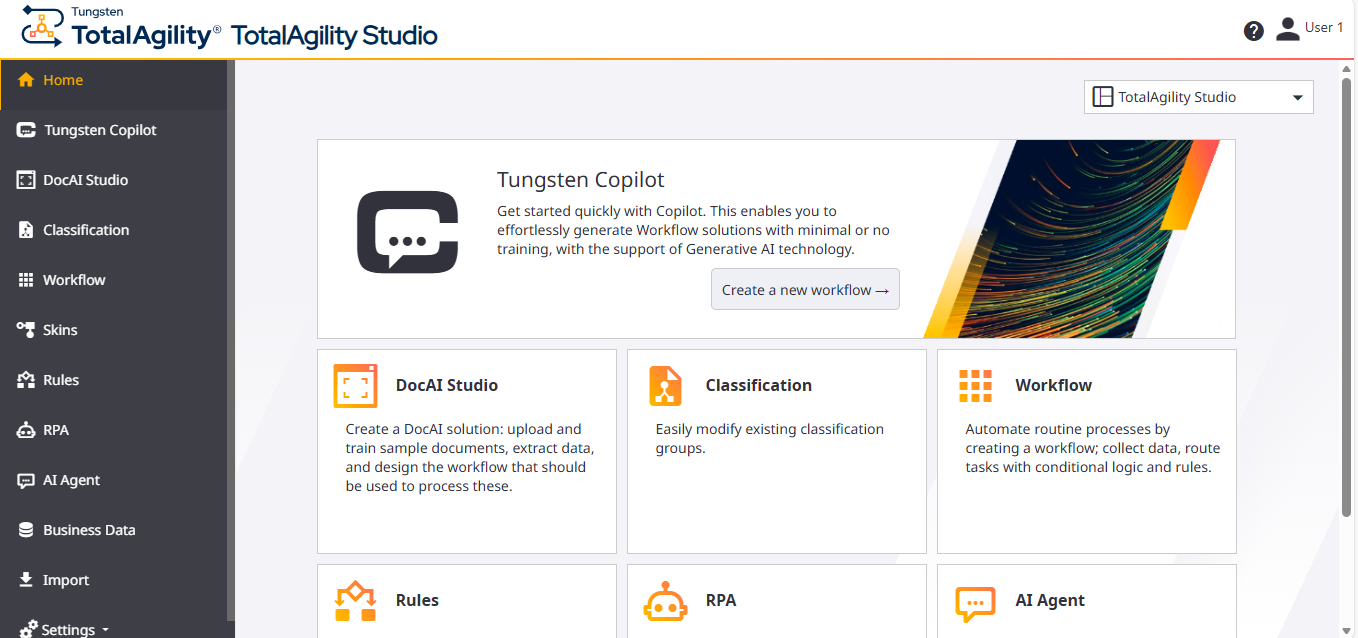
The TotalAgility Studio landing page appears.
Open Workflow directly using the URL
-
Enter the following URL in the browser.
http://<TotalAgility server hostname or IP>/TotalAgility/Designer/#/quickworkflow.
-
Log in with your user credentials or use Windows authentication.
The Workflow application opens. See Workflow user interface.